
Capture new leads and turn prospects into customers without any hassle, keeping your CRM updated automatically.

Get more done with Tidio and Adobe Commerce Integration
Increase your sales by reaching out to your customers with personalized communication across your Adobe Commerce store.
No credit card required
Contact sales
Overview
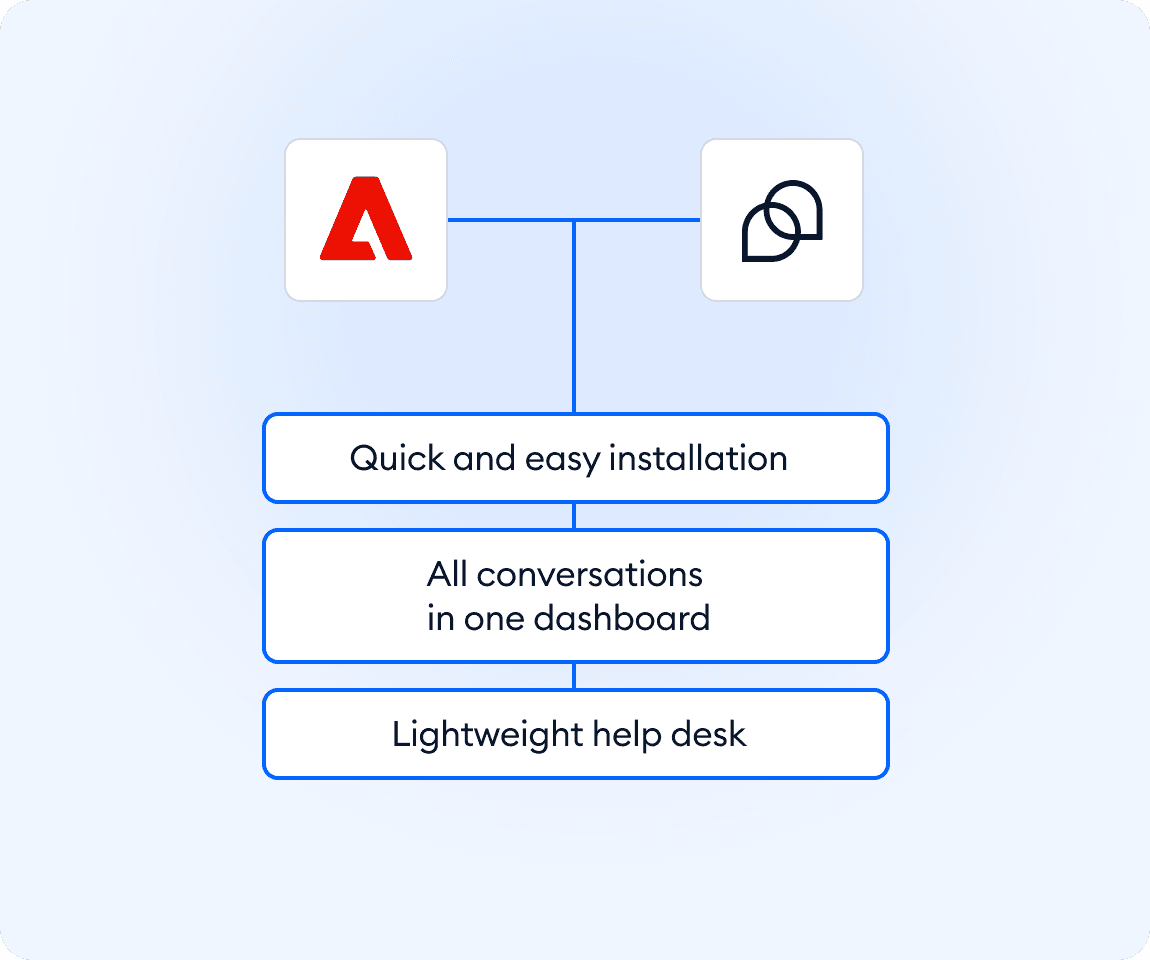
Manage customer conversations directly from your Adobe Commerce store without adding complexity. This integration lets you add Tidio live chat to your website using a simple code snippet, so customers can reach your team instantly. Messages appear in one intuitive help desk where agents respond faster, stay organized, and keep context. Setup takes only a few minutes, works across your store, and scales smoothly as your support volume grows.
Key features
- Add Tidio help desk to Adobe Commerce with a simple script installation
- Offer instant customer support across your store pages
- Handle all incoming customer conversations from one shared help desk
- Install without complex plugins or extensions
Discover more integrations
All Integrations

Use Zapier to sync Tidio chats, leads, and customer details instantly across your entire tool stack.

Sync customer conversations, contacts, and context between Tidio and Salesforce automatically.

Move your conversations from Intercom to Tidio and keep your support history organized in one simple help desk.

Track every chat event in Google Analytics and understand how conversations drive leads, engagement, and conversions.

Supercharge your WooCommerce store with seamless chat integration and real-time product sharing.
Looking for customer service automation that fits your business?
We build custom API integrations to streamline your most important workflows.
Frequently Asked Questions
Common questions about Integration with Adobe Commerce
How do I install Tidio on Adobe Commerce?
Install Tidio by adding a single script to your Adobe Commerce admin panel. Go to Content → Design → Configuration, select the store view, and paste the widget code into the HTML Head section. Save the configuration to apply the changes.
How does Tidio help support teams work faster?
All messages arrive in one place, so agents don’t switch tools or search for context. This makes replies quicker, handoffs smoother, and daily support work more predictable.
Can Tidio scale as my store grows?
Yes. Tidio is designed to start simple and scale without adding complexity. Teams can handle more conversations while keeping workflows clear and pricing predictable.