
Capture new leads and turn prospects into customers without any hassle, keeping your CRM updated automatically.

Create a contact in Klaviyo
Capture subscribers in chat and add them to Klaviyo instantly, so your audience grows without manual work.
No credit card required
Contact sales
Category
Lyro Actions
Available in
Overview
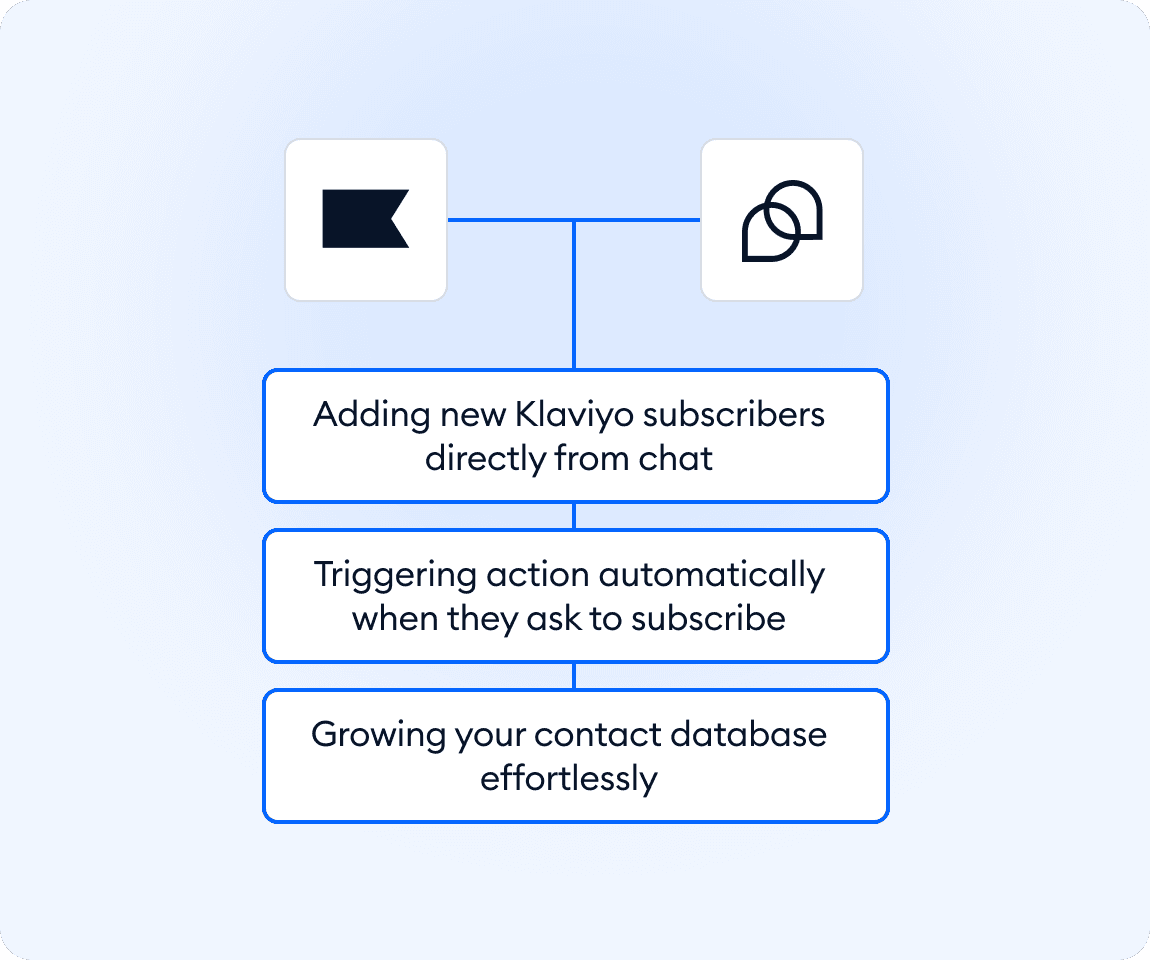
Turn conversations into new subscribers without extra effort. This Smart Action connects your help desk with Klaviyo and adds contacts when visitors ask to subscribe or access content. Lyro collects key details like email and first name during the chat and sends them directly to your audience. Your team stays focused while your list grows in real time, helping you engage leads faster and keep your marketing workflows running smoothly.
Key features
- Add new Klaviyo contacts directly from chat
- Collect emails during conversations
- Trigger when visitors request content
- Create or update contact profiles automatically
- Grow your audience without manual data entry
Discover more integrations
All Integrations

Use Zapier to sync Tidio chats, leads, and customer details instantly across your entire tool stack.

Sync customer conversations, contacts, and context between Tidio and Salesforce automatically.

Move your conversations from Intercom to Tidio and keep your support history organized in one simple help desk.

Track every chat event in Google Analytics and understand how conversations drive leads, engagement, and conversions.

Supercharge your WooCommerce store with seamless chat integration and real-time product sharing.
Looking for customer service automation that fits your business?
We build custom API integrations to streamline your most important workflows.
Frequently Asked Questions
Common questions about Integration with Create a contact in Klaviyo
How does the contact creation work?
Lyro detects when a visitor wants to subscribe, collects their details, and creates or updates a contact in Klaviyo automatically.
What information is required from the visitor?
Email and first name are typically collected, and you can customize additional fields if needed.
Does the visitor get a confirmation message?
Yes. Lyro can confirm in chat that the visitor has been successfully added to your list.