
Capture new leads and turn prospects into customers without any hassle, keeping your CRM updated automatically.

Get more done with Tidio and Drupal Integration
Boost your sales and engage customers wherever they are by adding Tidio to your Drupal site and grow your business.
No credit card required
Contact sales
Overview
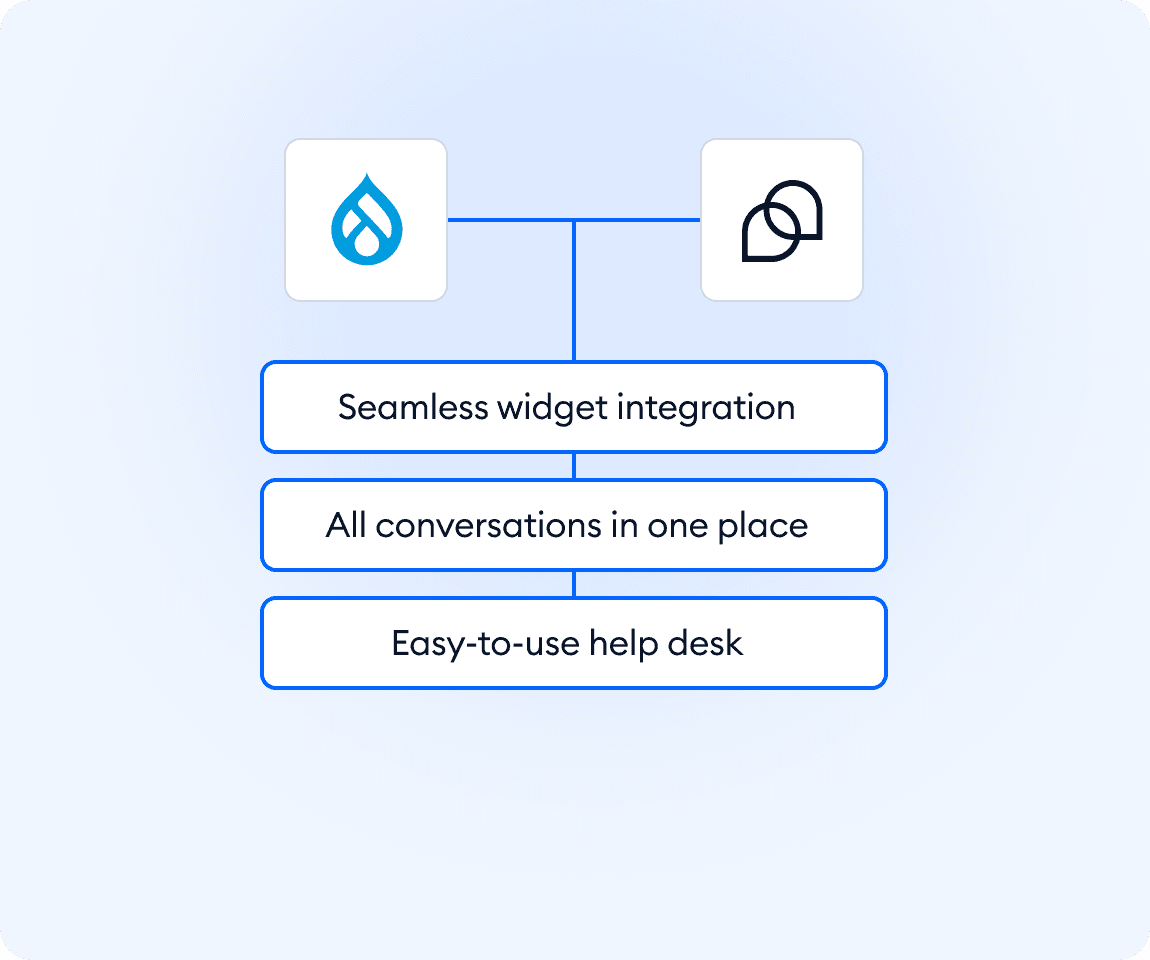
Connect Tidio with your Drupal website to centralize customer conversations in one lightweight help desk. The integration lets you add live chat to your site with a simple script, without complex configuration. Messages from visitors land directly in Tidio, where agents can reply faster, stay organized, and keep full context. It’s an easy way to improve response times and customer experience without adding new tools or overhead.
Key features
- Add Tidio live chat to any Drupal site using a simple JavaScript snippet
- Reply to customers in real time from one organized inbox
- Manage visitor messages directly in Tidio’s help desk
- Works with existing Drupal themes and pages
Discover more integrations
All Integrations

Use Zapier to sync Tidio chats, leads, and customer details instantly across your entire tool stack.

Sync customer conversations, contacts, and context between Tidio and Salesforce automatically.

Move your conversations from Intercom to Tidio and keep your support history organized in one simple help desk.

Track every chat event in Google Analytics and understand how conversations drive leads, engagement, and conversions.

Supercharge your WooCommerce store with seamless chat integration and real-time product sharing.
Looking for customer service automation that fits your business?
We build custom API integrations to streamline your most important workflows.
Frequently Asked Questions
Common questions about Integration with Drupal
How do I install Tidio on a Drupal website?
Log into your Tidio panel and go to Settings > Live Chat > Installation. Copy the JavaScript installation code and then access your Drupal site files via FTP. Paste the code into your theme’s template file (e.g., header.tpl.php or html.tpl.php) right before the closing </head> tag, save, and upload the file back to your server.
Can I control where the chat widget appears on my Drupal site?
Yes. Because the script is added at the theme or page level, you can decide whether it loads globally across the site or only on selected pages, depending on where you place the code.
Can I manage conversations from all customer channels in one place?
Yes. Tidio brings live chat, email, Facebook Messenger, Instagram, and WhatsApp messages into one help desk inbox. Your team can see every conversation in a single view, reply faster, and keep full context, without switching between tools or losing track of customers.