
Capture new leads and turn prospects into customers without any hassle, keeping your CRM updated automatically.

Get more done with Tidio and Gmail integration
Connect Gmail in seconds and manage emails without forwarding.
No credit card required
Contact sales
Category
Communication
Available in
Overview
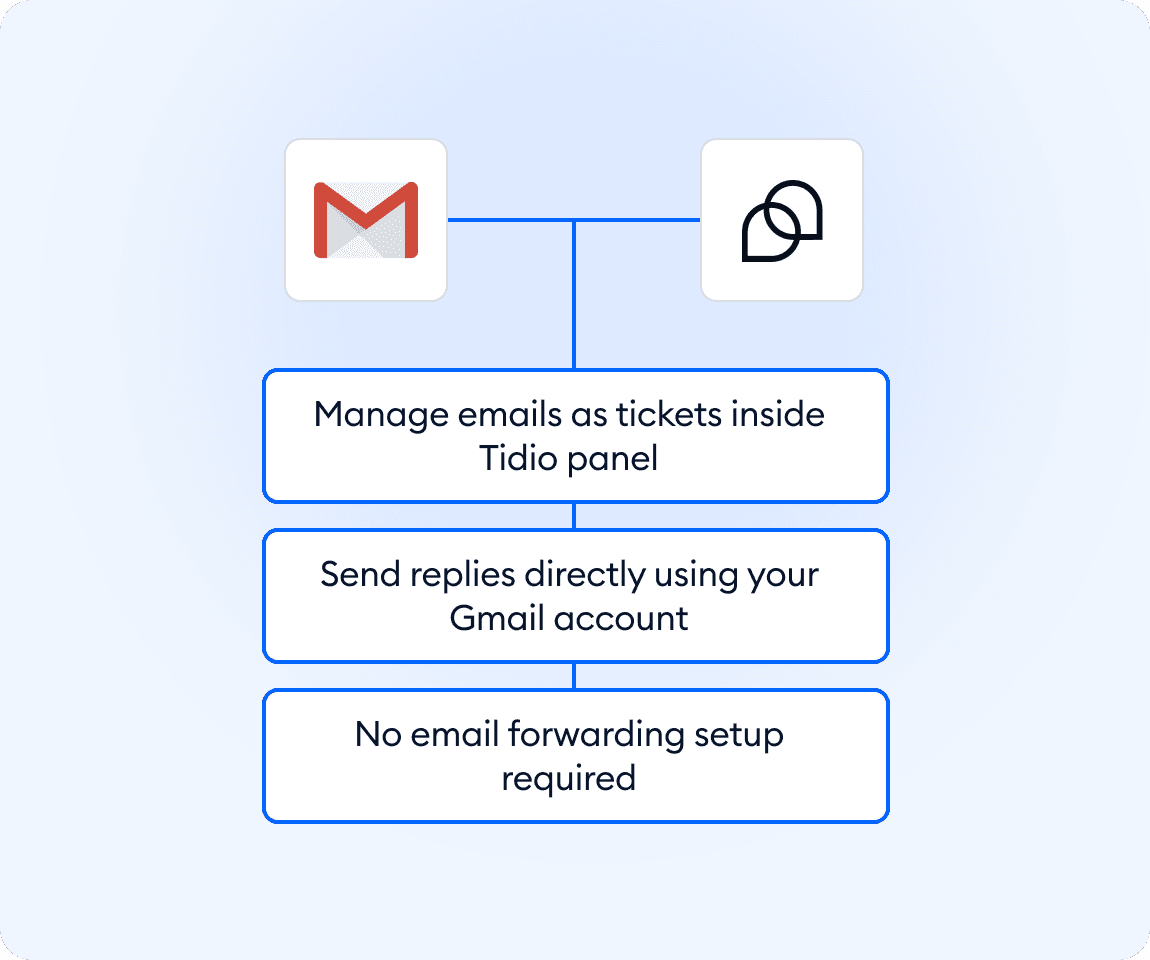
Integrate your Gmail mailbox with Tidio in just a few clicks—no forwarding or complex setup required. Automatically sync your mailbox and sender address to manage incoming emails as tickets in one place. Streamline communication, respond faster, and keep everything organized directly inside Tidio.
Key features
- Three-click native Gmail integration
- No email forwarding setup required
- Automatic mailbox and sender address sync
- Manage emails as tickets inside Tidio
- Send replies directly using your Gmail account
Discover more integrations
All Integrations

Use Zapier to sync Tidio chats, leads, and customer details instantly across your entire tool stack.

Sync customer conversations, contacts, and context between Tidio and Salesforce automatically.

Move your conversations from Intercom to Tidio and keep your support history organized in one simple help desk.

Track every chat event in Google Analytics and understand how conversations drive leads, engagement, and conversions.

Supercharge your WooCommerce store with seamless chat integration and real-time product sharing.
Looking for customer service automation that fits your business?
We build custom API integrations to streamline your most important workflows.
Frequently Asked Questions
Common questions about Integration with Gmail
How long does it take to connect Gmail?
The setup process is quick and straightforward. It usually takes just a few seconds. Simply choose the Gmail connection option, log in to your Google account, and grant the necessary permissions to start using the integration right away.
Can I send emails from my Gmail address through Tidio?
Yes, once your Gmail account is connected, it is automatically added as a sender address. This allows you to reply to messages directly from Tidio while using your Gmail identity, ensuring consistent communication with your customers.
Do I need to set up email forwarding to use Gmail with Tidio?
No, there’s no need to configure email forwarding or make any manual changes to your Gmail settings. The integration is fully native, which means you can connect your account directly with just a few clicks and start receiving emails in Tidio instantly.