
Capture new leads and turn prospects into customers without any hassle, keeping your CRM updated automatically.

Get more done with Tidio and Google Analytics Integration
Track every chat event in Google Analytics and understand how conversations drive leads, engagement, and conversions.
No credit card required
Contact sales
Overview
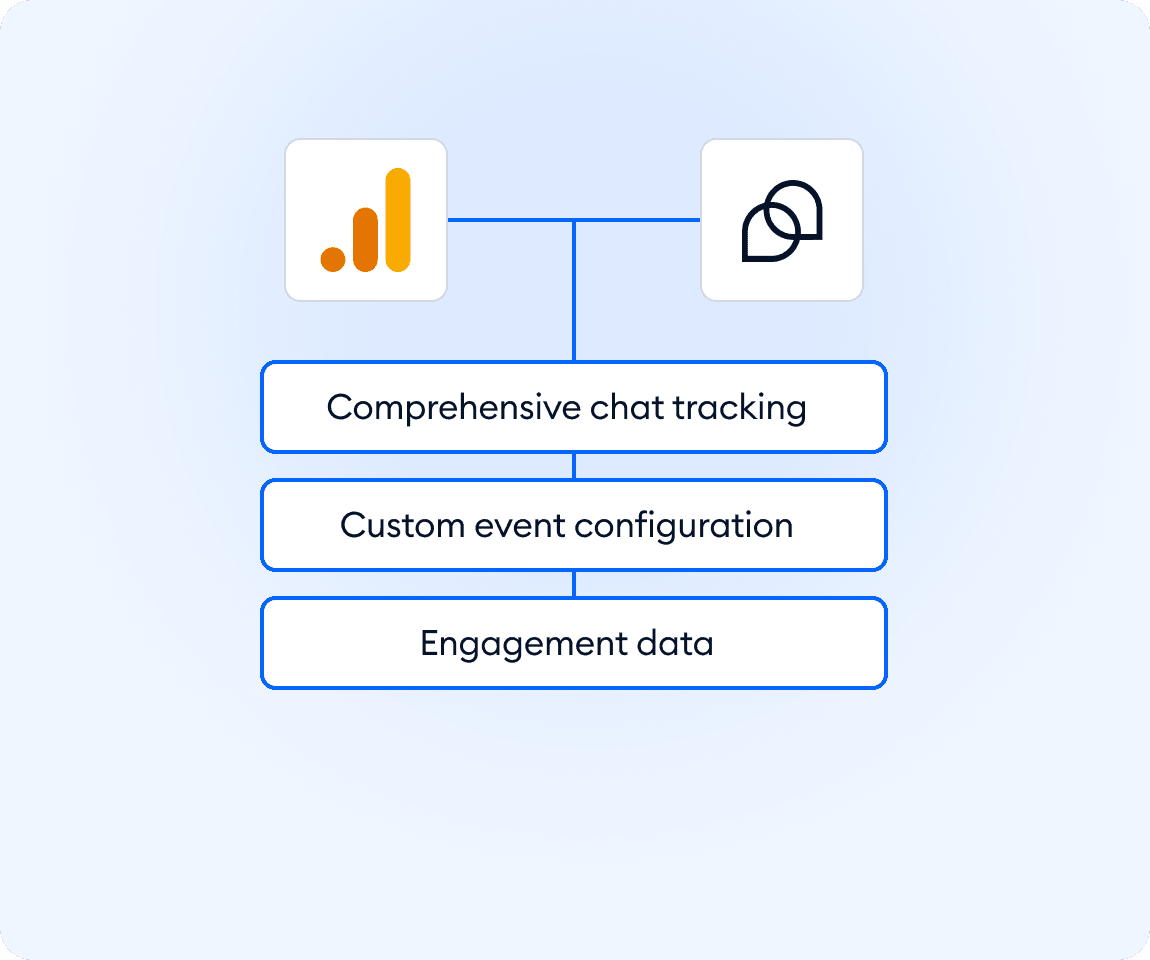
Connect Tidio with Google Analytics and get a clear view of how visitors interact with your widget, conversations, and flows. Track key events like started chats, completed chats, and lead submissions directly in GA to understand what sparks engagement and where customers convert. Use real data to improve support quality and optimize your website without guesswork.
Key features
- Track user interactions with the Tidio widget, chats, and Flows inside Google Analytics
- Measure leads from pre-chat surveys and identify high-intent visitors
- Monitor chat-based conversions using custom events
- Start tracking instantly after connecting your Google Tag ID
Discover more integrations
All Integrations

Use Zapier to sync Tidio chats, leads, and customer details instantly across your entire tool stack.

Sync customer conversations, contacts, and context between Tidio and Salesforce automatically.

Move your conversations from Intercom to Tidio and keep your support history organized in one simple help desk.

Track every chat event in Google Analytics and understand how conversations drive leads, engagement, and conversions.

Supercharge your WooCommerce store with seamless chat integration and real-time product sharing.
Looking for customer service automation that fits your business?
We build custom API integrations to streamline your most important workflows.
Frequently Asked Questions
Common questions about Integration with Google Analytics
What events does Tidio send to Google Analytics?
Tidio sends predefined events, including chat started, chat finished, conversations triggered by flows, and leads collected. These events help you understand engagement patterns and customer actions across your site.
How do I connect Google Analytics to Tidio?
Enter your Google Tag ID in the integration panel and click Connect. Once the widget is active on your site, Tidio immediately starts sending events to Google Analytics. No additional setup is required.
Can I create custom conversions based on Tidio events?
Yes. Any event Tidio sends to Google Analytics can be marked as a conversion. This lets you track which conversations, Flows, or interactions contribute to revenue or lead generation.