
Capture new leads and turn prospects into customers without any hassle, keeping your CRM updated automatically.

Get more done with Tidio and Judge.me Integration
Easily manage reviews, respond instantly, and automate follow-ups from the Tidio workspace.
No credit card required
Contact sales
Category
Reviews Management
Available in
Overview
Combine Judge.me’s review power with Tidio’s inbox and automation so you never miss feedback. All new reviews appear in Tidio, where you can reply, follow up, or open support tickets. Use Flows to thank happy reviewers and reach out before negative reviews go live. Keep customers happy, build trust and drive repeat sales without switching platforms.
Key features
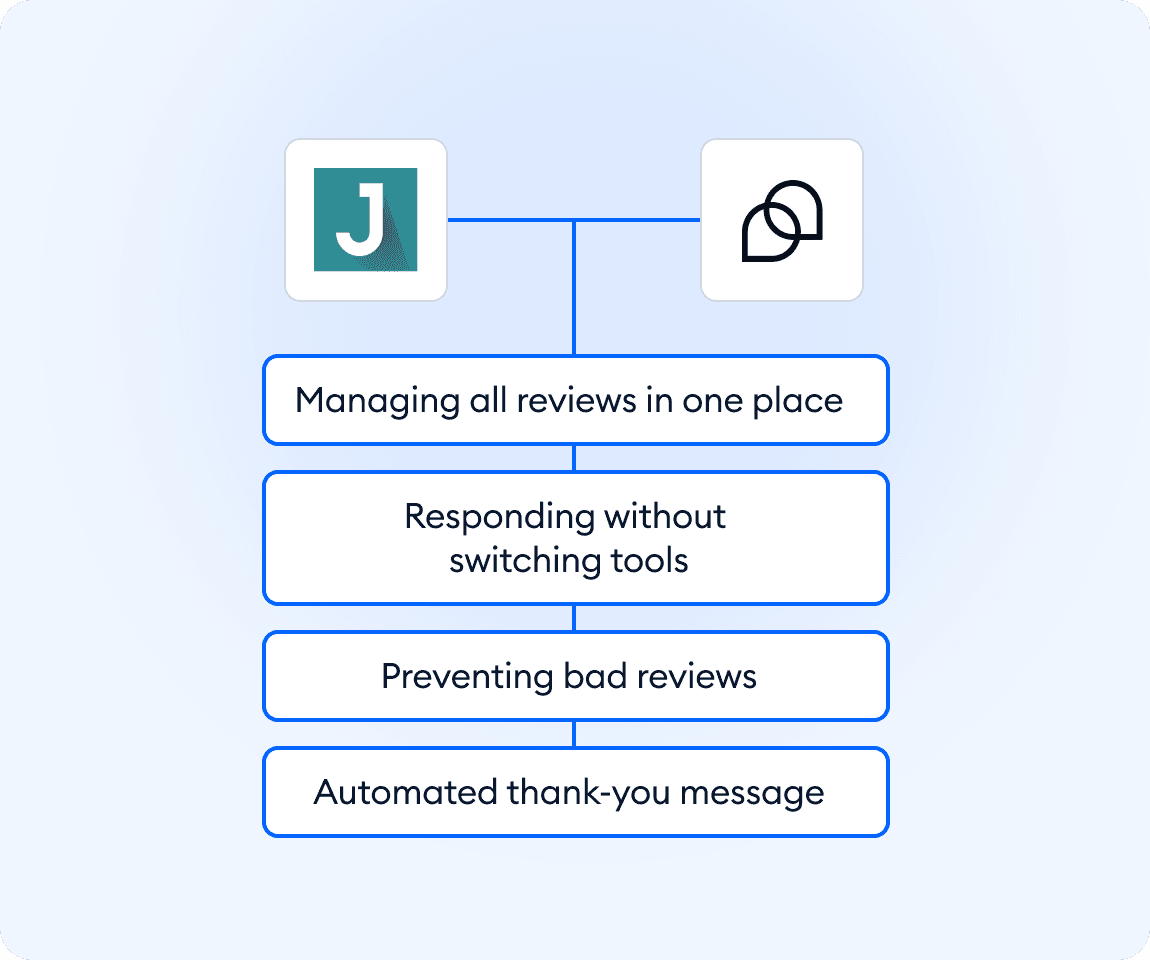
- See all reviews in one place: new Judge.me reviews appear directly in Tidio’s inbox.
- Respond without switching tools: reply by email or create a ticket straight from the review.
- Prevent bad reviews early: trigger a Flow when someone starts a 1–3-star review.
- Celebrate happy customers: send an automatic thank-you after 4–5-star reviews.
- Grow trust with less effort: use simple automations to turn reviews into stronger customer loyalty.
Discover more integrations
All Integrations

Use Zapier to sync Tidio chats, leads, and customer details instantly across your entire tool stack.

Sync customer conversations, contacts, and context between Tidio and Salesforce automatically.

Move your conversations from Intercom to Tidio and keep your support history organized in one simple help desk.

Track every chat event in Google Analytics and understand how conversations drive leads, engagement, and conversions.

Supercharge your WooCommerce store with seamless chat integration and real-time product sharing.
Looking for customer service automation that fits your business?
We build custom API integrations to streamline your most important workflows.
Frequently Asked Questions
Common questions about Integration with Judge.me
How do I connect Judge.me with Tidio?
In your Tidio admin panel, go to Integrations and select Judge.me. Click “Install Judge.me,” log into your Judge.me account by entering your store domain, then sign in and authorize the connection. Once completed, reviews will start flowing directly into Tidio.
Can I reply to reviews from within Tidio?
Yes. New reviews appear in your Tidio inbox. From there, you can view the review, create a support ticket, reply by email, add notes, or take other follow-up actions.
What automation is included with the integration?
You get two ready-made Flows: one that triggers a chat to ask for feedback when someone starts a 1–3-star review (so you can resolve issues before they publish), and one that sends a thank-you chat when someone posts a 4–5-star review.