
Capture new leads and turn prospects into customers without any hassle, keeping your CRM updated automatically.

Get more done with Tidio and Mailchimp Integration
Automatically send new Tidio contacts to your Mailchimp list and keep subscribers organized effortlessly.
No credit card required
Contact sales
Category
Marketing Automation
Available in
Overview
Connect Tidio with Mailchimp to grow your mailing list from every conversation. Add subscribers instantly from pre-chat surveys, Flows, or manual updates. No extra steps, no juggling tools. Keep your email database clean, updated, and ready for personalized communication while Tidio handles the busywork.
Key features
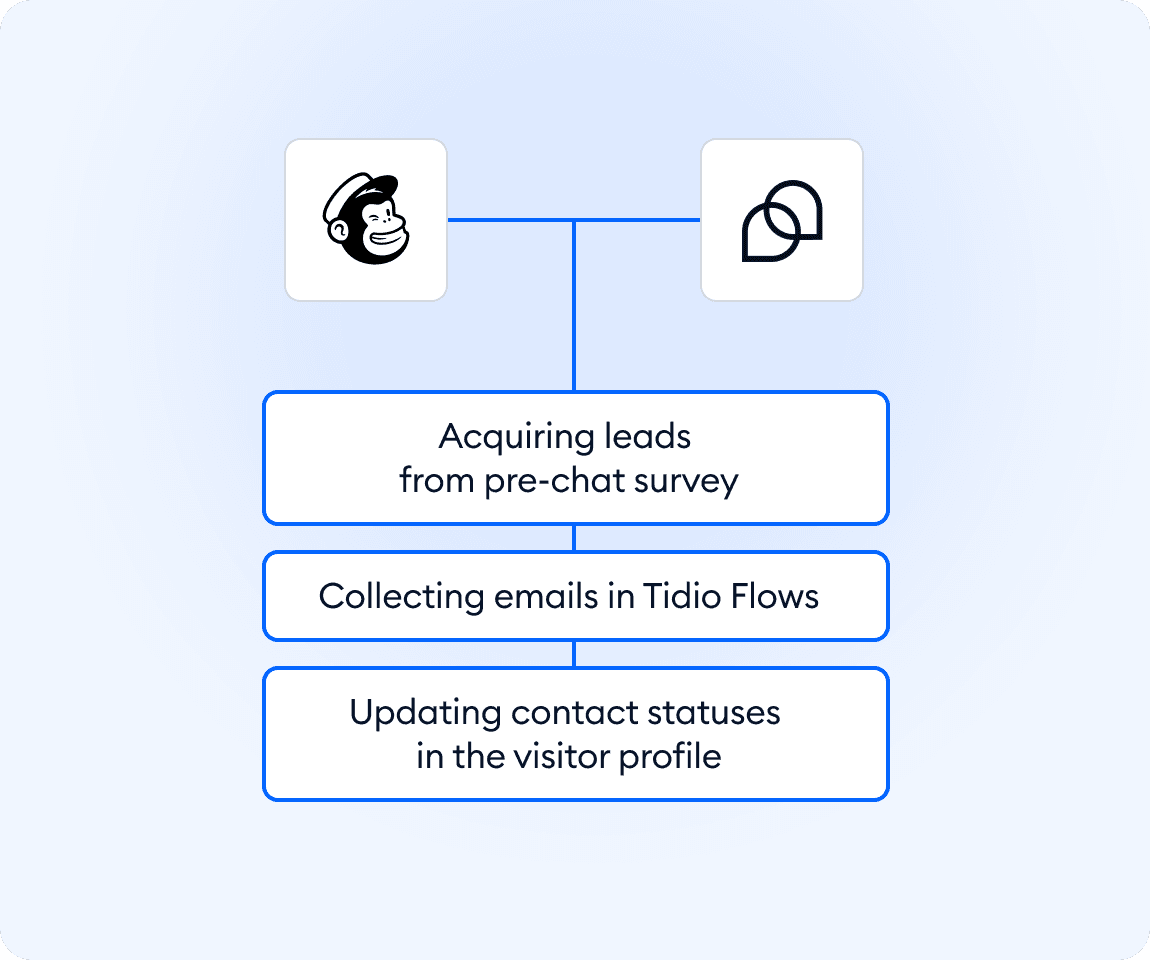
- Add subscribers from pre-chat surveys when visitors share their email.
- Collect emails in Flows using the Subscribe for Mailing node.
- Update subscriber status manually in the visitor profile or contacts list.
- Sync new contacts directly to your chosen Mailchimp list.
- Streamline subscriber management with an automated, reliable workflow.
Discover more integrations
All Integrations

Use Zapier to sync Tidio chats, leads, and customer details instantly across your entire tool stack.

Sync customer conversations, contacts, and context between Tidio and Salesforce automatically.

Move your conversations from Intercom to Tidio and keep your support history organized in one simple help desk.

Track every chat event in Google Analytics and understand how conversations drive leads, engagement, and conversions.

Supercharge your WooCommerce store with seamless chat integration and real-time product sharing.
Looking for customer service automation that fits your business?
We build custom API integrations to streamline your most important workflows.
Frequently Asked Questions
Common questions about Integration with Mailchimp
How do I add new subscribers from Tidio to Mailchimp?
Visitors can be added through pre-chat surveys, automated Flows with the Subscribe for Mailing node, or by manually updating a contact’s subscriber status inside Tidio. All updates sync straight to your Mailchimp list.
Can I choose which Mailchimp list receives new subscribers?
Yes. During setup, you select the Mailchimp list you want to sync with. Every new subscriber collected in Tidio is automatically added to that list.
Do I need technical skills to install the integration?
No. The Mailchimp integration installs in a few clicks, and you can manage subscribers directly from the Tidio panel without extra configuration.