
Capture new leads and turn prospects into customers without any hassle, keeping your CRM updated automatically.

Get more done with Tidio and Webydo Integration
Add help desk to your Webydo site and manage every customer conversation from one place, without complex setup.
No credit card required
Contact sales
Overview
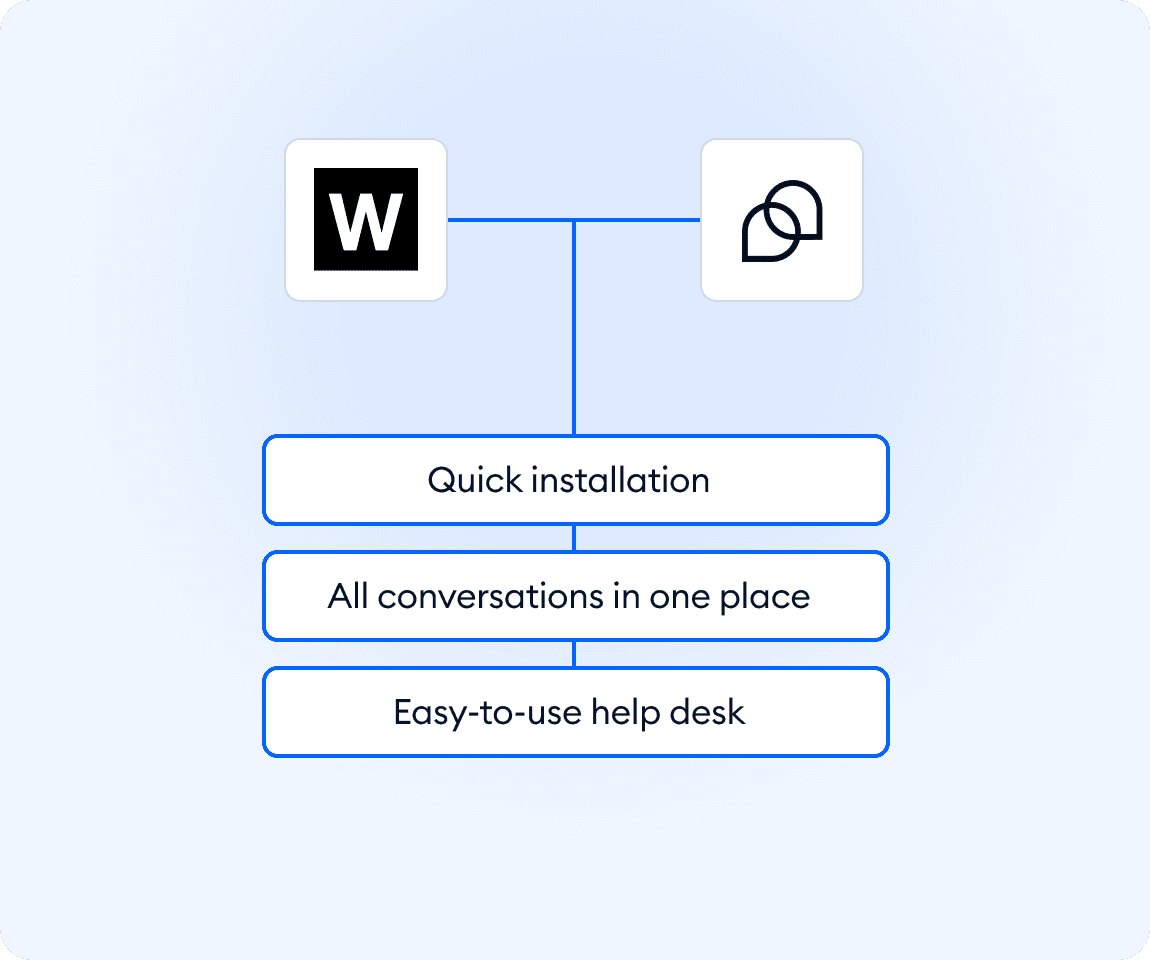
Connect Webydo with Tidio to handle customer conversations directly from one lightweight help desk. Add live chat to your Webydo website in minutes and start responding faster without disrupting your workflow. Messages from your site go straight into a single inbox, so your team stays organized, keeps context, and follows up with visitors at the right moment. It’s an easy way to improve response times, capture more leads, and deliver consistent support as your business grows.
Key features
- Launch quickly without technical setup or plugins
- Receive website messages in one centralized inbox
- Reply to visitors in real time to increase engagement
- Keep conversation history for better follow-ups
Discover more integrations
All Integrations

Use Zapier to sync Tidio chats, leads, and customer details instantly across your entire tool stack.

Sync customer conversations, contacts, and context between Tidio and Salesforce automatically.

Move your conversations from Intercom to Tidio and keep your support history organized in one simple help desk.

Track every chat event in Google Analytics and understand how conversations drive leads, engagement, and conversions.

Supercharge your WooCommerce store with seamless chat integration and real-time product sharing.
Looking for customer service automation that fits your business?
We build custom API integrations to streamline your most important workflows.
Frequently Asked Questions
Common questions about Integration with Webydo
How do I install Tidio on a Webydo website?
Copy your Tidio script and paste it into your Webydo site settings. The chat widget appears instantly on your pages.
Do I need coding skills to connect Webydo with Tidio?
No. The integration uses a simple copy-and-paste code snippet, so setup takes only a few minutes.
Can I manage Webydo messages together with other channels?
Yes. Messages from your Webydo site appear in the same inbox as your other customer conversations, keeping everything in one place.