
Capture new leads and turn prospects into customers without any hassle, keeping your CRM updated automatically.

Get more done with Tidio and WooCommerce Integration
Supercharge your WooCommerce store with seamless chat integration and real-time product sharing.
No credit card required
Contact sales
Overview
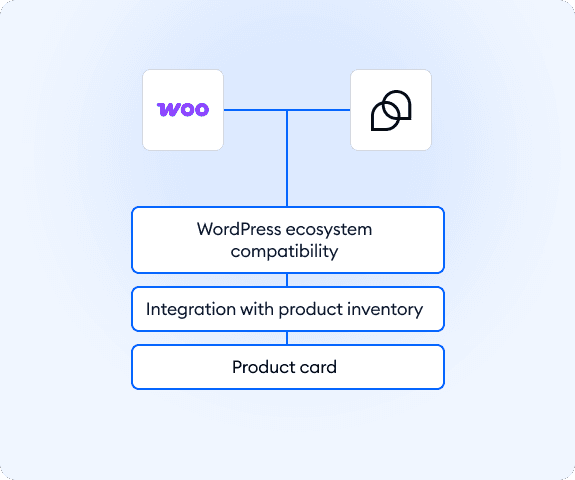
With the integration of Tidio and WooCommerce, you can streamline customer support and boost conversions by engaging shoppers directly from your website. Install the Tidio plugin, grant it permission to access your WooCommerce products, and you’re ready to send product cards in chat conversations instantly. This makes it easier for your team to guide customers, highlight relevant items, and drive quicker check-outs, all from one unified panel.
Key features
- Quick plugin setup: install Tidio via WordPress, activate it, and link to your WooCommerce store in just a few clicks.
- Product cards: browse your entire WooCommerce product catalog within Tidio’s inbox and send single product cards directly in conversation.
- Real-time click tracking: when customers click on a product card, you receive an instant message in the chat to know they’ve engaged.
- Auto-sync product catalog: active WooCommerce products are available for sharing in Tidio without manual upload.
Discover more integrations
All Integrations

Use Zapier to sync Tidio chats, leads, and customer details instantly across your entire tool stack.

Sync customer conversations, contacts, and context between Tidio and Salesforce automatically.

Move your conversations from Intercom to Tidio and keep your support history organized in one simple help desk.

Track every chat event in Google Analytics and understand how conversations drive leads, engagement, and conversions.

Supercharge your WooCommerce store with seamless chat integration and real-time product sharing.
Looking for customer service automation that fits your business?
We build custom API integrations to streamline your most important workflows.
Frequently Asked Questions
Common questions about Integration with WooCommerce
What products appear in the Product tab?
To send your products via Tidio, make sure they’re properly set up in your WooCommerce panel.
Here’s what you need to do:
- Add a SKU to the product
- Set the Product Status to Active
How do I install the WooCommerce plugin?
Installing Tidio on your WooCommerce store is easy, as WooCommerce is a WordPress plugin, and the process is the same as installing Tidio on WordPress:
- Create an account and log in to your WordPress Dashboard.
- Go to Plugins → Add New.
- Search for Tidio and click Install Now.
- After installation, click Activate.
- Click Log in and enter your Tidio email and password.
- Select the project you want to connect to your website.
- To integrate with WooCommerce, click Integrate Now and approve read access.
- You’re all set! Click Open Tidio Panel to start using live chat and Flows.