
Capture new leads and turn prospects into customers without any hassle, keeping your CRM updated automatically.

Get more done with Tidio and Zapier Integration
Use Zapier to sync Tidio chats, leads, and customer details instantly across your entire tool stack.
No credit card required
Contact sales
Overview
Link Tidio and Zapier to supercharge your workflow. Every contact, message, or bot response can be automatically forwarded to your CRM, spreadsheets, email tools, or other apps. Skip manual exports, respond to leads quickly, and keep operations running smoothly as volume grows.
Key features
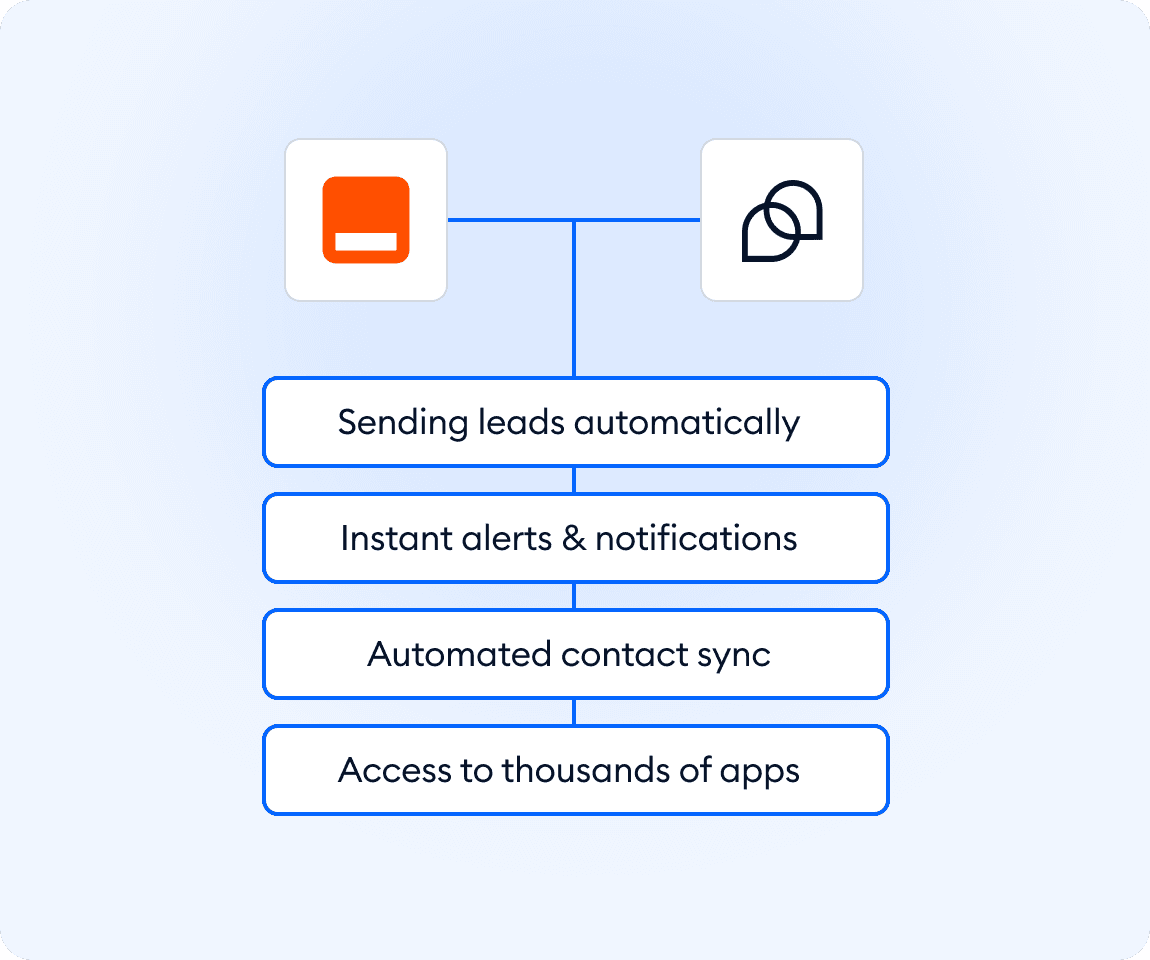
- Send new leads where they belong: automatically push contacts from Tidio straight into your CRM or any other tool.
- Get instant alerts: receive email notifications for every new message so you never miss a conversation.
- Skip manual exporting: let Zapier handle contact syncing and other repetitive tasks for you.
- Automate Shopify-specific flows: track shipping checks, order status requests, and other actions with ease.
- Connect Tidio to thousands of apps: build simple automations to move data anywhere you need it.
Discover more integrations
All Integrations

Use Zapier to sync Tidio chats, leads, and customer details instantly across your entire tool stack.

Sync customer conversations, contacts, and context between Tidio and Salesforce automatically.

Move your conversations from Intercom to Tidio and keep your support history organized in one simple help desk.

Track every chat event in Google Analytics and understand how conversations drive leads, engagement, and conversions.

Supercharge your WooCommerce store with seamless chat integration and real-time product sharing.
Looking for customer service automation that fits your business?
We build custom API integrations to streamline your most important workflows.
Frequently Asked Questions
Common questions about Integration with Zapier
How do I set up Zapier with Tidio?
Open Tidio’s Flow editor, add the “Send to Zapier” action to any flow, then follow instructions to connect your Zapier account. Data from that flow will be sent automatically to your chosen app.
What kinds of workflows can I automate with this integration?
Common uses include sending new leads from chat to a CRM, logging chat contacts to spreadsheets, triggering emails or Slack alerts when chats start, or tracking orders and questions from your Shopify store.
Do I need coding skills to use the integration?
No. The integration works via Tidio’s visual Flow editor and Zapier’s no-code interface. You can build useful automations without writing a single line of code.