
Capture new leads and turn prospects into customers without any hassle, keeping your CRM updated automatically.

Get more done with Tidio and Zendesk Sell Integration
Send contact details from Tidio to Zendesk Sell in seconds, helping your sales team act faster and stay fully organized.
No credit card required
Contact sales
Overview
Integrate Tidio with Zendesk Sell to turn promising conversations into new leads without switching tools. Add contacts directly from the chat window, automatically include essential details, and send them straight to your CRM. This makes follow-ups faster, keeps your pipeline organized, and helps your sales team stay focused on closing deals, not on data entry.
Key features
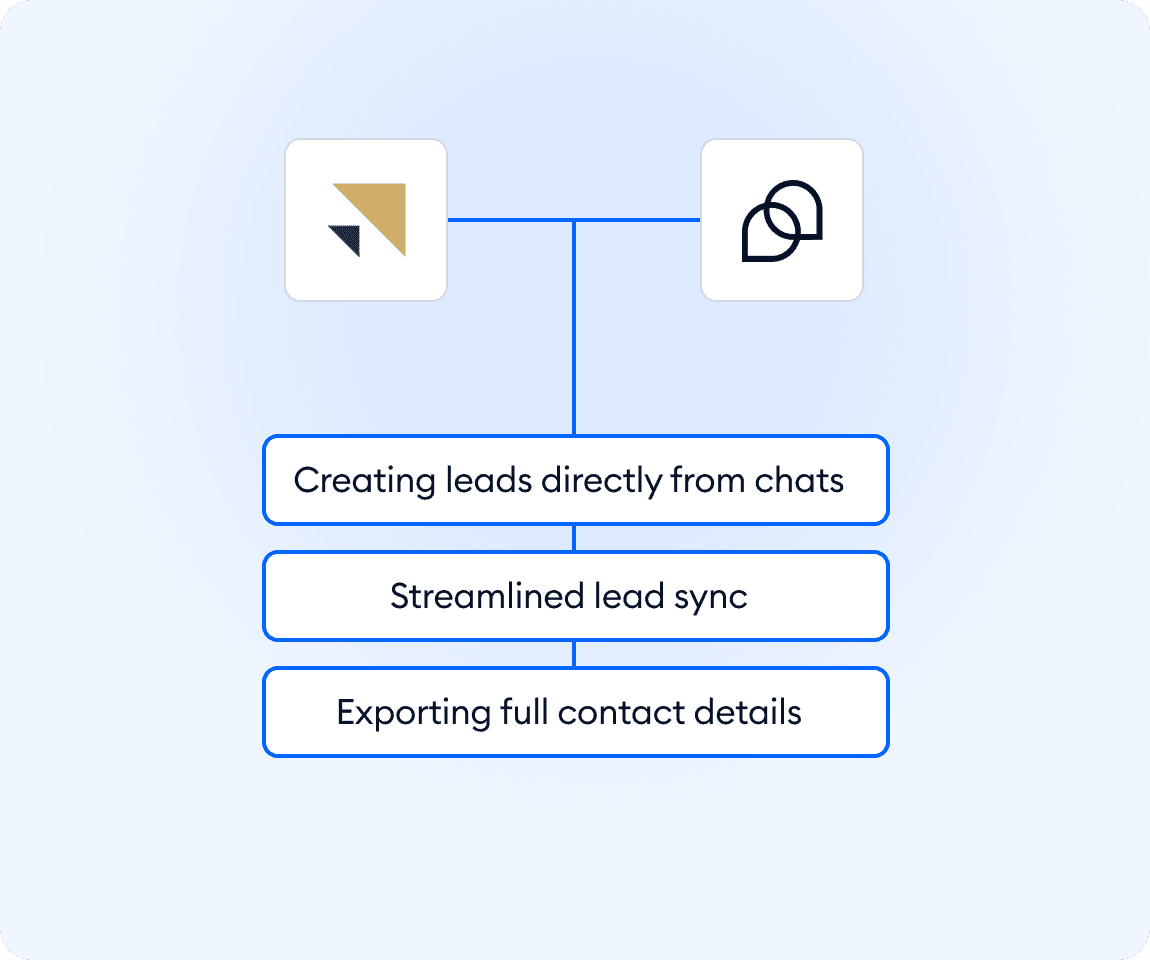
- Create leads from chat: add new Zendesk Sell contacts directly from any Tidio conversation.
- Export full contact details: name, email, phone number, and more are saved automatically.
- Log leads instantly: keep your CRM updated in real time without manual copying.
- Send leads manually when needed: choose exactly when to push a chat contact to Zendesk Sell.
- Keep your pipeline organized: store every valuable contact in the right place from the start.
Discover more integrations
All Integrations

Use Zapier to sync Tidio chats, leads, and customer details instantly across your entire tool stack.

Sync customer conversations, contacts, and context between Tidio and Salesforce automatically.

Move your conversations from Intercom to Tidio and keep your support history organized in one simple help desk.

Track every chat event in Google Analytics and understand how conversations drive leads, engagement, and conversions.

Supercharge your WooCommerce store with seamless chat integration and real-time product sharing.
Looking for customer service automation that fits your business?
We build custom API integrations to streamline your most important workflows.
Frequently Asked Questions
Common questions about Integration with Zendesk Sell
How do I connect Tidio with Zendesk Sell?
Go to Integrations in your Tidio panel, select Zendesk Sell, and click Install. Enter your Zendesk Sell Access Token to activate the integration. You can find or create your token in Zendesk Sell in Settings. Once saved, you’ll be able to create new leads in Zendesk Sell directly from Tidio chats.
What information is added to Zendesk Sell when I create a lead?
Tidio exports the visitor’s name, email address, and phone number (if collected). These details are saved automatically in Zendesk Sell as a new contact record.
Can I choose which chats become leads?
Yes. Leads are added manually, so you decide which conversations should be sent to Zendesk Sell, giving you full control over your CRM pipeline.