
Capture new leads and turn prospects into customers without any hassle, keeping your CRM updated automatically.

Get more done with Tidio and Zoho CRM Integration
Create, update contacts, send transcripts from Tidio to Zoho CRM. Keep customer details in sync without switching tabs.
No credit card required
Contact sales
Overview
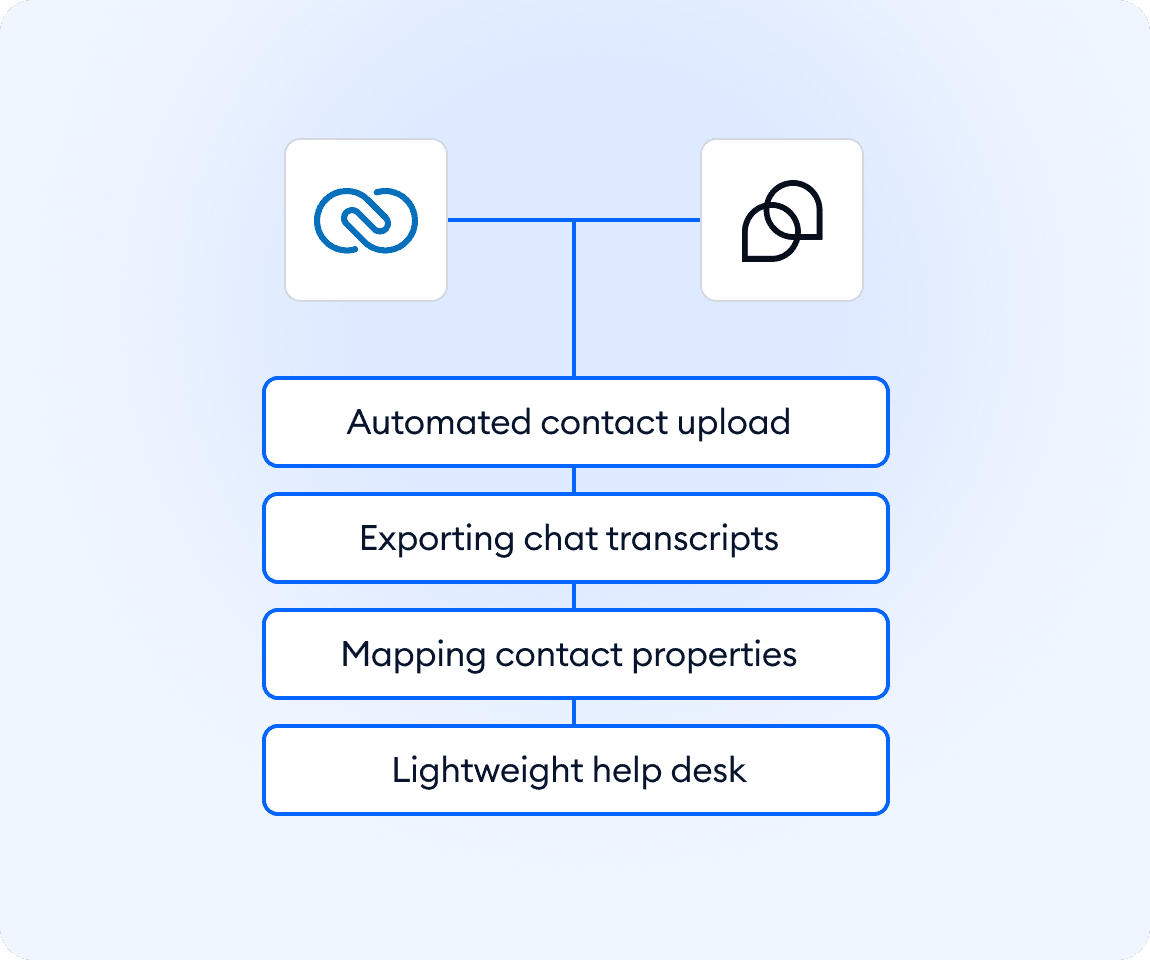
Keep customer data consistent while your team focuses on replying faster. The Zoho CRM integration connects Tidio with your CRM, so new contacts and updates flow automatically from conversations. Agents can create and update contacts straight from the inbox, send chat transcripts as notes, and map key properties to Zoho. This keeps context complete, reduces manual work, and helps teams manage relationships without breaking their support workflow.
Key features
- Automatically create new Zoho CRM contacts from Tidio conversations
- Update existing contacts when customer details change in Tidio
- Send chat transcripts to Zoho CRM as notes when conversations are marked as solved
- Map selected contact properties between Tidio and Zoho CRM
- Keep customer context aligned without manual copy-paste
Discover more integrations
All Integrations

Use Zapier to sync Tidio chats, leads, and customer details instantly across your entire tool stack.

Sync customer conversations, contacts, and context between Tidio and Salesforce automatically.

Move your conversations from Intercom to Tidio and keep your support history organized in one simple help desk.

Track every chat event in Google Analytics and understand how conversations drive leads, engagement, and conversions.

Supercharge your WooCommerce store with seamless chat integration and real-time product sharing.
Looking for customer service automation that fits your business?
We build custom API integrations to streamline your most important workflows.
Frequently Asked Questions
Common questions about Integration with Zoho CRM
What happens after I connect Zoho CRM with Tidio?
After installing the integration and authorizing your Zoho CRM account, Tidio starts syncing contact data automatically. When a visitor starts a conversation, and their details are captured in Tidio, the integration checks Zoho CRM. If the contact already exists, their record is updated. If not, a new contact is created. This happens in the background, so agents don’t need to switch tools or manually push data.
Which contact details are synced between Tidio and Zoho CRM?
The integration syncs standard contact information collected in Tidio, including email address, first name, last name, phone number, and email subscription status. You can also manually map selected contact properties in Tidio to corresponding fields in Zoho CRM. This gives you control over which data is shared and keeps customer records consistent across both systems.
How are chat transcripts sent to Zoho CRM?
Chat transcripts are sent to Zoho CRM as notes when a conversation in Tidio is marked as solved. This can be done manually by an agent or automatically if you’re using auto-solve rules. The full conversation history is added to the contact record in Zoho, giving sales and support teams clear context without needing access to Tidio.
Can the integration overwrite existing data in Zoho CRM?
Yes. When Tidio updates a contact in Zoho CRM, it sends the current values from Tidio. If a mapped field in Tidio is empty, that empty value can overwrite the existing field in Zoho CRM. Because of this, it’s important to carefully choose which properties you map and ensure your Tidio contact data stays accurate.