
Capture new leads and turn prospects into customers without any hassle, keeping your CRM updated automatically.

Get more done with Tidio and Zendesk Integration
Easily create Zendesk tickets from any Tidio chat and keep every issue organized with full customer details.
No credit card required
Contact sales
Category
Customer Service
Available in
Overview
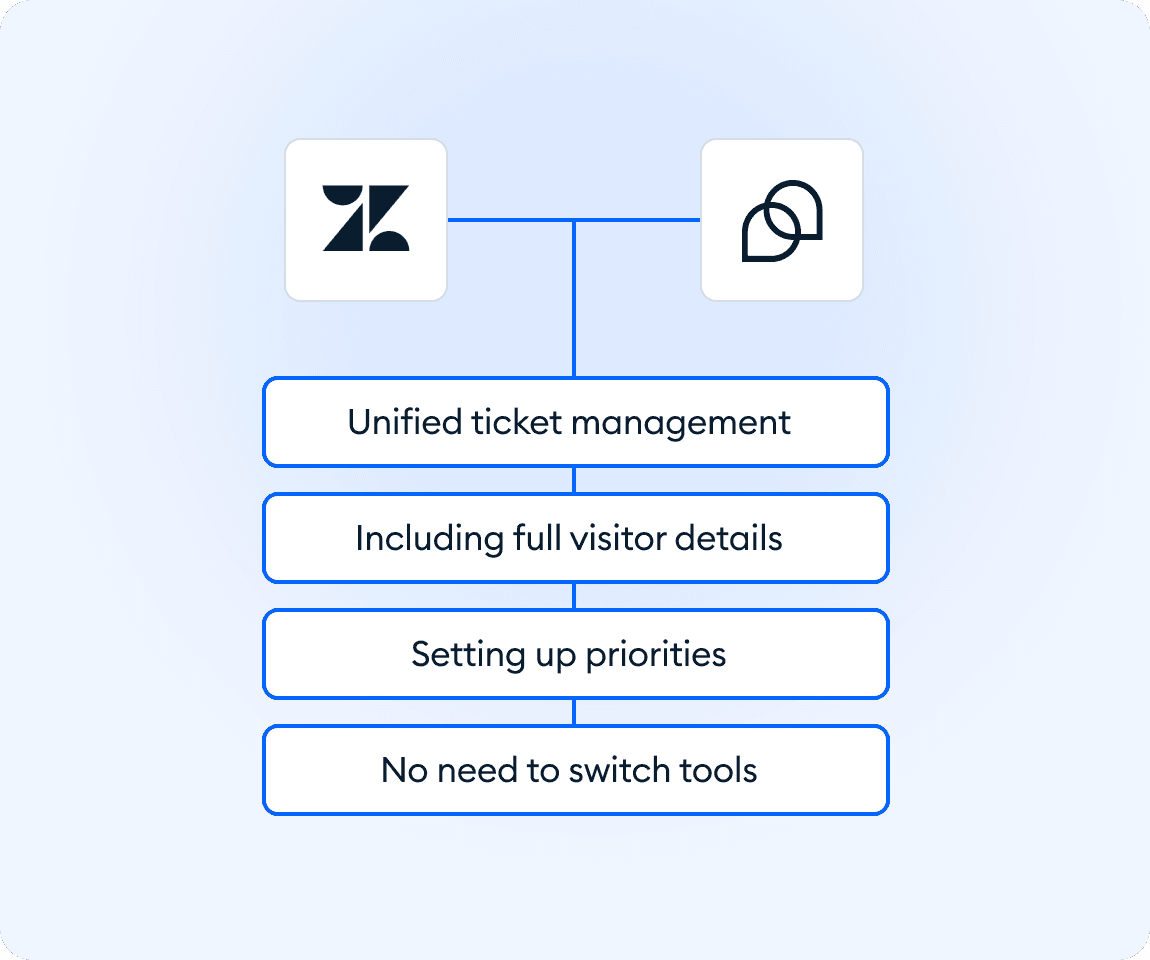
Connect Tidio with Zendesk to turn live conversations into clear, actionable tickets in seconds. Agents can create tickets directly from the chat window, automatically include visitor details, add notes for teammates, and set priorities for faster resolution. The integration helps teams stay organized and solve issues quickly without jumping between tools.
Key features
- Turn chats into tickets: create Zendesk tickets directly from any Tidio conversation.
- Include full visitor details: name, email, phone number, and custom properties are added automatically.
- Add helpful notes: give your team extra context by attaching notes to each ticket.
- Set priorities easily: mark ticket urgency right from Tidio to help teams focus on what matters.
- Work without switching tools: handle conversations in Tidio while keeping ticketing structured in Zendesk.
Discover more integrations
All Integrations

Use Zapier to sync Tidio chats, leads, and customer details instantly across your entire tool stack.

Sync customer conversations, contacts, and context between Tidio and Salesforce automatically.

Move your conversations from Intercom to Tidio and keep your support history organized in one simple help desk.

Track every chat event in Google Analytics and understand how conversations drive leads, engagement, and conversions.

Supercharge your WooCommerce store with seamless chat integration and real-time product sharing.
Looking for customer service automation that fits your business?
We build custom API integrations to streamline your most important workflows.
Frequently Asked Questions
Common questions about Integration with Zendesk
How do I connect Tidio with Zendesk?
Prepare your Zendesk API token, click "Install Zendesk" in Tidio, and log in to your Zendesk account. Once connected, you can create tickets directly from Tidio chats.
What details are included in a Zendesk ticket?
Each ticket includes the visitor’s name, email, phone number, message history, and any custom properties saved under the “Details” section in Zendesk.
Can I add notes or context to a ticket?
Yes. You can attach internal notes to any ticket created from Tidio, helping your team understand the issue and respond more effectively.