
Managing social media well means showing up consistently with posts that feel relevant and look good. It also means reaching the right audience at the right time. That level of consistency is hard to maintain without help, which is why AI tools have become essential for many marketers.
These platforms can write captions and create visuals. They also handle scheduling and analyze performance so you can spend less time on repetitive tasks and more on building connections with your audience.
Aside from content scheduling, there are also tools that let you talk directly with customers through channels like Instagram, WhatsApp, and Messenger, so your social presence doubles as a customer service touchpoint.
In this guide, you’ll find an overview of the best AI tools for social media, along with their standout features and pricing. You will also find practical tips for choosing the one that will work best for your needs, so be sure to read on.
Use Tidio’s AI tool to reply where your customers are
Benefits of using AI for social media
AI tools for social media are making it easier to produce quality content consistently and use real data to shape strategy all at once.
Here’s what they bring to the table:
- Increased efficiency in content production: AI speeds up writing captions, creating visuals, and even repurposing old posts. In a recent survey, 82% of marketers[0] said AI helps them create content more efficiently.
- More consistent posting schedules: automated scheduling ensures your posts go live on time, every time, even when you’re busy. This is essential as consistency can improve brand visibility[0], and algorithms reward accounts that post regularly.
- Data-backed decision-making for engagement and growth: AI for social media also tracks performance. With automated analytics tools, businesses can monitor engagement rates, follower growth, and click-throughs in real time, then use those insights to refine campaigns. Companies using AI in this way report a 15% lift in engagement rates[0].
- Direct customer conversations through social channels: some AI platforms let you manage conversations on Instagram, WhatsApp, or Messenger alongside live chat. This helps brands turn social engagement into real customer relationships and sales opportunities. Plus, 67% of consumers turn to social media[0] for customer service interactions, making it a key touchpoint for support.
A list of the best AI tools for social media
Choosing the right AI tool for social media can feel overwhelming with so many options promising faster growth and better engagement. You also want to make sure it truly reduces the time you spend on manual work.
To help you cut through the noise, we’ve reviewed the top platforms on the market, looking closely at their strengths, limitations, and pricing. The list below covers everything from omnichannel customer support tools to AI-driven content creators.
| Name | Rating | Free Plan? | Best for |
|---|---|---|---|
| Tidio | 4.7/5 ⭐ | ✅ | Omnichannel AI agents and smart support |
| FeedHive | 4.6/5 ⭐ | Free trial | Content recycling and conditional posting |
| Buffer | 4.5/5 ⭐ | ✅ | Tailored messages for each social platform |
| Flick | 4.4/5 ⭐ | Free trial | AI ideation copilot for content creation |
| Predis.ai | 4.3/5 ⭐ | ✅ | Carousel and video post generation |
| Publer | 4.4/5 ⭐ | ✅ | AI-powered copy and image generation |
| ContentStudio | 4.5/5 ⭐ | Free trial | Trend discovery and content insights |
| Hootsuite | 4.2/5 ⭐ | Free trial | AI prompts and bulk template creation |
| StoryChief | 4.3/5 ⭐ | ✅ | Multichannel authoring and repurposing |
Tidio
Rating: 4.7/5 ⭐
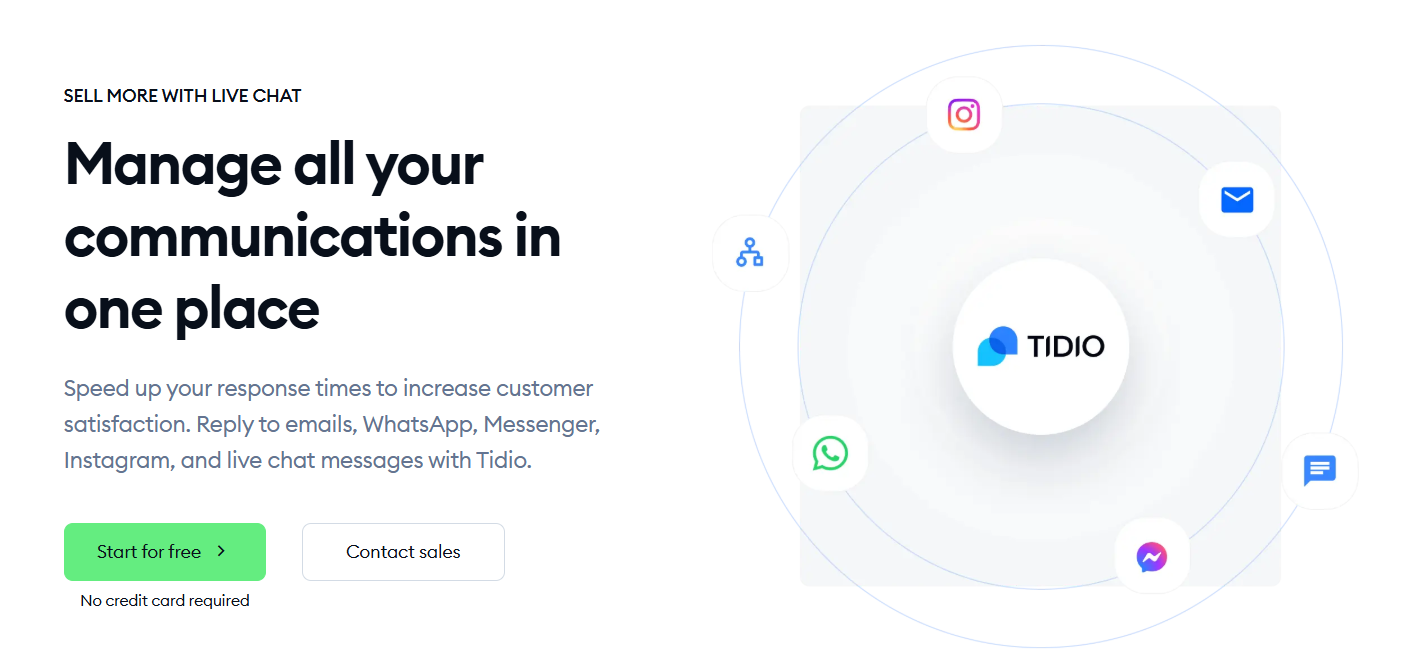
Tidio stands out as an omnichannel platform that unites live chat, help desk, and AI-powered automation under one roof. With built-in Lyro AI, it connects conversational AI with support on social media without relying on external plugins.
Main Features:
- Built-in Lyro AI Agent handles live chat, email, social, and messaging apps
- Smart automation flows for FAQs, lead capture, and personalized responses
- Multi-language conversation support
- AI Copilot that lets agents respond quicker by providing ready messages
- Omnichannel insights to track conversation performance end-to-end
Pricing:
- 7-day free trial available
- Free version available
- Starter ($24.17/mo)
- Growth (starts at $49.17/mo)
- Plus (starts at $749/mo)
- Premium (starts at $2999/mo)
Begin your first AI-powered conversation with Tidio today
FeedHive
Rating: 4.6/5 ⭐
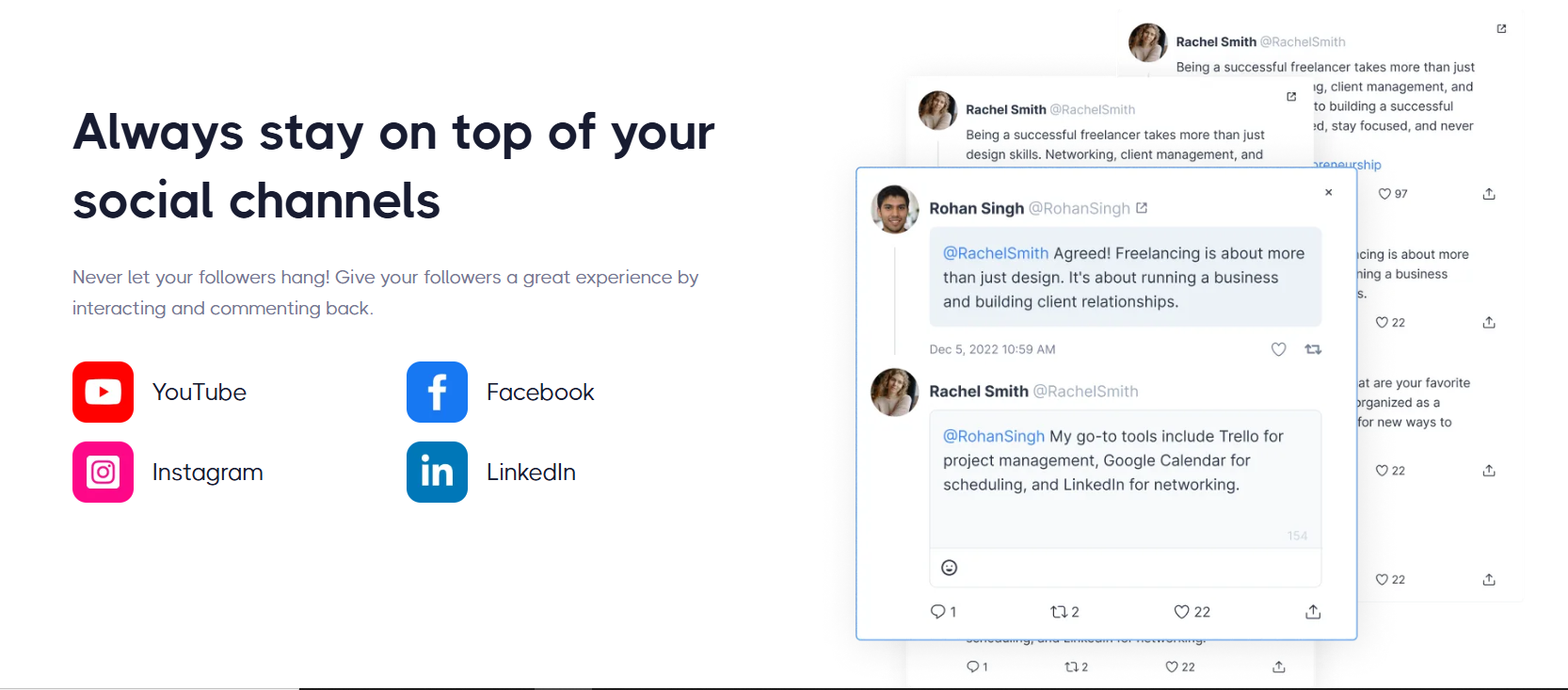
FeedHive stands out as a platform for refreshing evergreen content in your feed. This software combines smart scheduling with post recycling and campaign automation. It’s especially useful when you want to maximize reach without reinventing entire campaigns.
Pros:
- Smart reposting based on engagement triggers
- AI writing assistant for streamlined caption creation
- Post categorization to maintain a consistent theme over time
Cons:
- Advanced AI features require paid plans
- Limited integration options on lower tiers
Pricing:
- Free trial available
- Creator ($19 /mo)
- Brand ($29 /mo)
- Business ($99 /mo)
- Agency ($299 /mo)
Buffer
Rating: 4.5/5 ⭐
Buffer works like a multilingual assistant for your content. It turns your ideas into posts customized for each platform. The tool is perfect for teams managing multiple networks without losing brand consistency.
Pros:
- AI tailors content per platform’s tone and limits
- Built-in idea tracking to capture inspiration
- Campaign scheduling for thematic rollouts
Cons:
- Cost scales with more channels
- Full suite features are locked behind higher-tier plans
Pricing:
- Free plan available
- Essentials ($6/channel/mo)
- Team ($12/mo)
Read more: Check out the top AI marketing tools and learn more about their key features and pricing.
Flick
Rating: 4.4/5 ⭐
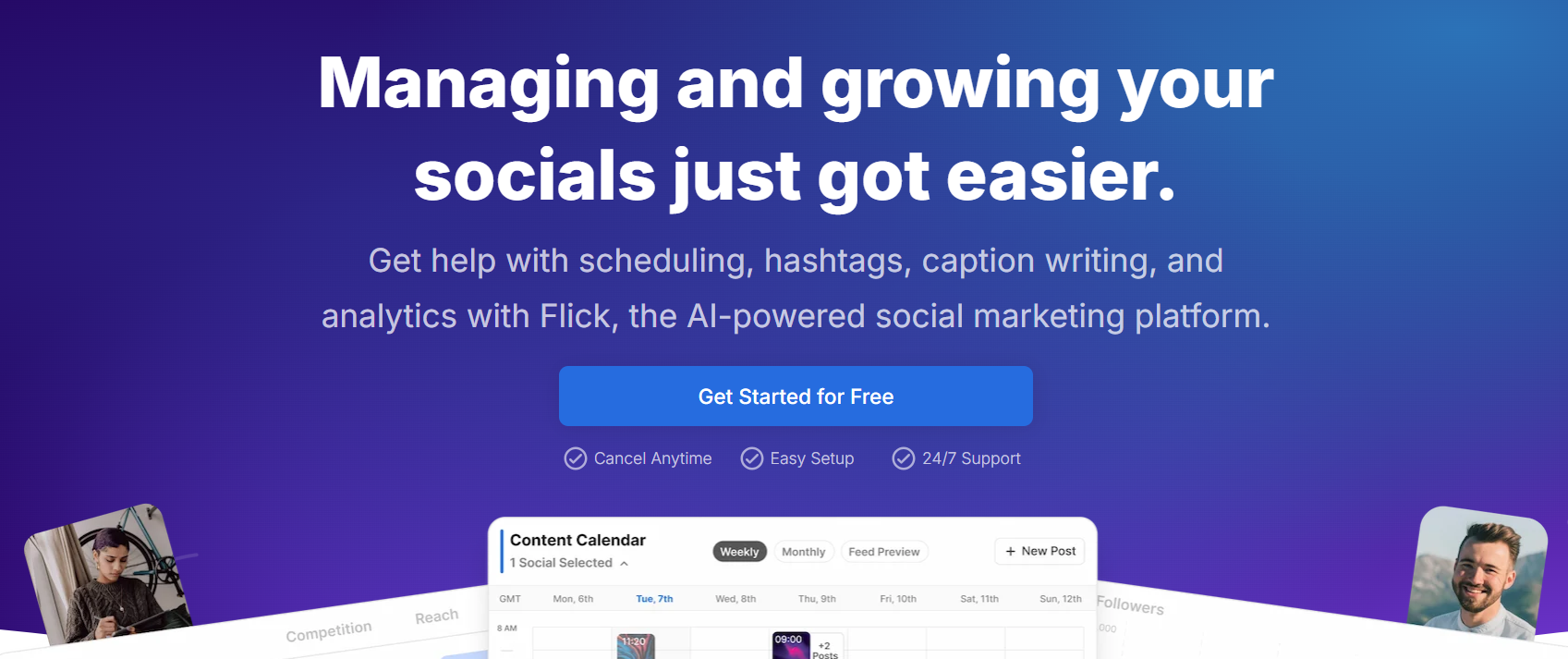
Flick serves as a creative ideation hub. It introduces you to post ideas, refines them, and rolls them out. Rather than a tool, Flick feels more like a creative partner that helps spark conversations.
Pros:
- Step-by-step AI brainstorming and rewriting
- Hashtag suggestions tailored to each idea
- Clean, distraction-free interface
Cons:
- AI response speed can lag
- Occasional interface hiccups
Pricing:
- 7-day free trial available
- Solo (£14/mo)
- Pro (£30/mo)
- Agency (£69/mo)
Read more: Check out our full guide on conversational AI for customer service.
Predis.ai
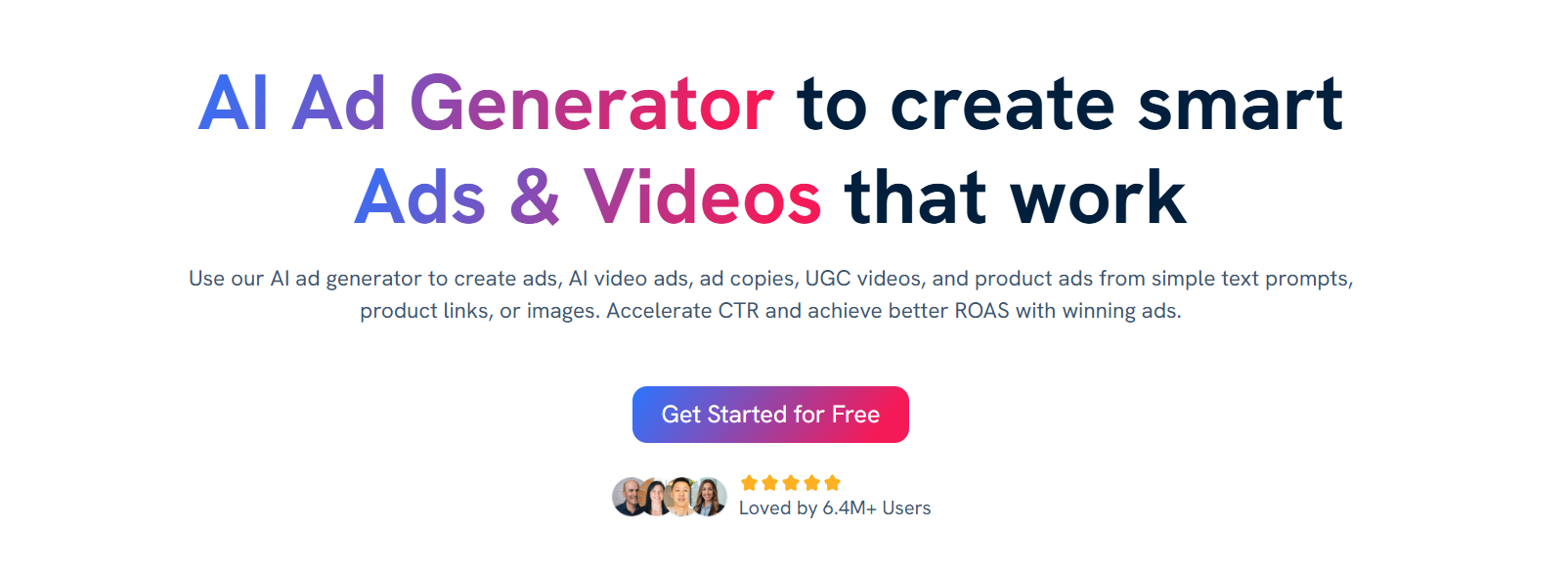
Rating: 4.3/5 ⭐
Predis.ai brings visuals to life from simple prompts, allowing you to create AI ads, UGC videos, posts, etc, within minutes. Think carousel slides or short video-style posts. It’s the secret sauce for quickly creating engaging visuals without needing design skills.
Pros:
- Instant carousels and image + text post creation
- Basic video content support via stock media
- Competitor trend tracking tools
Cons:
- Visual suggestions can sometimes miss the mark
- UI still needs polish in places
Pricing:
- Free plan available
- Plus ($39/mo)
- Edge ($79/mo)
- Enterprise ($249/mo)
Publer
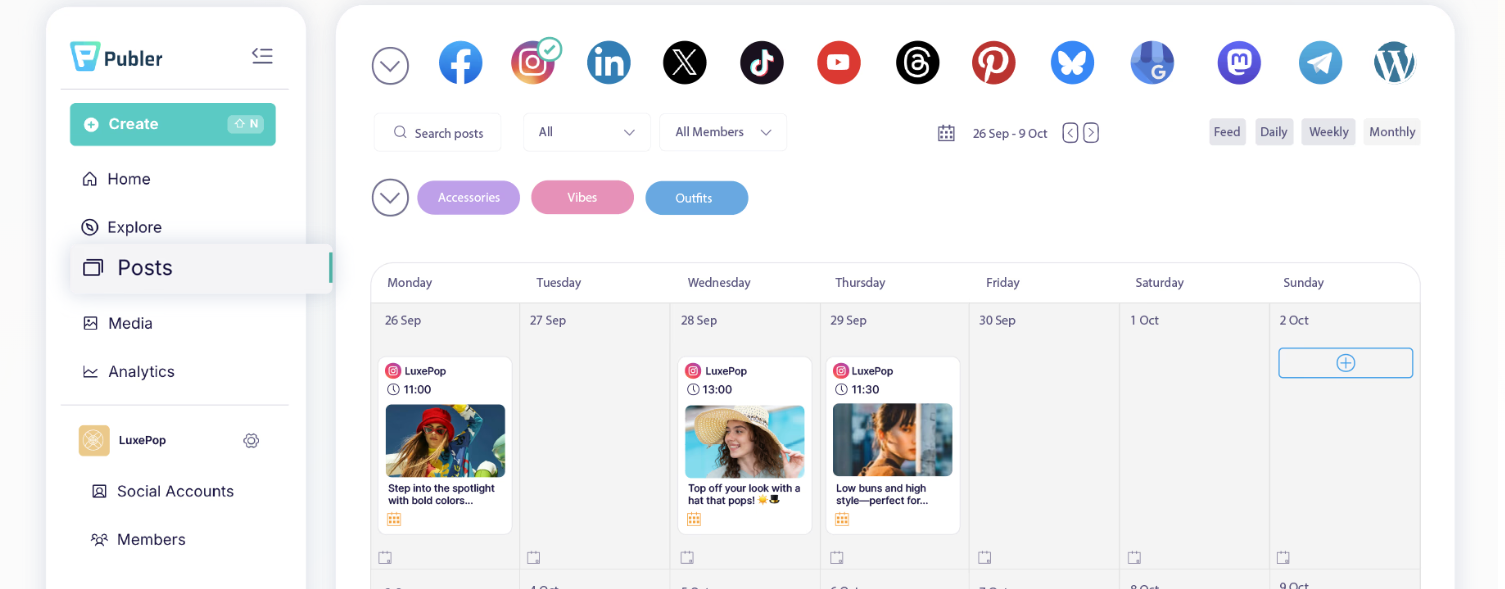
Rating: 4.4/5 ⭐
Publer blends text and visuals in one flow, making it a go-to for efficient content creation. With easy-to-use AI tools, it’s ideal for creators who want to produce evergreen content and not juggle multiple apps.
Pros:
- Instant text-to-image feature
- Trending topic discovery by region or niche
- Supports publishing to a wide range of channels
Cons:
- Few integrations beyond social platforms
- Image tool occasionally slow to load
Pricing:
- Free plan available
- Professional: ($5/mo)
- Business ($10/mo)
- Enterprise: Custom pricing
ContentStudio
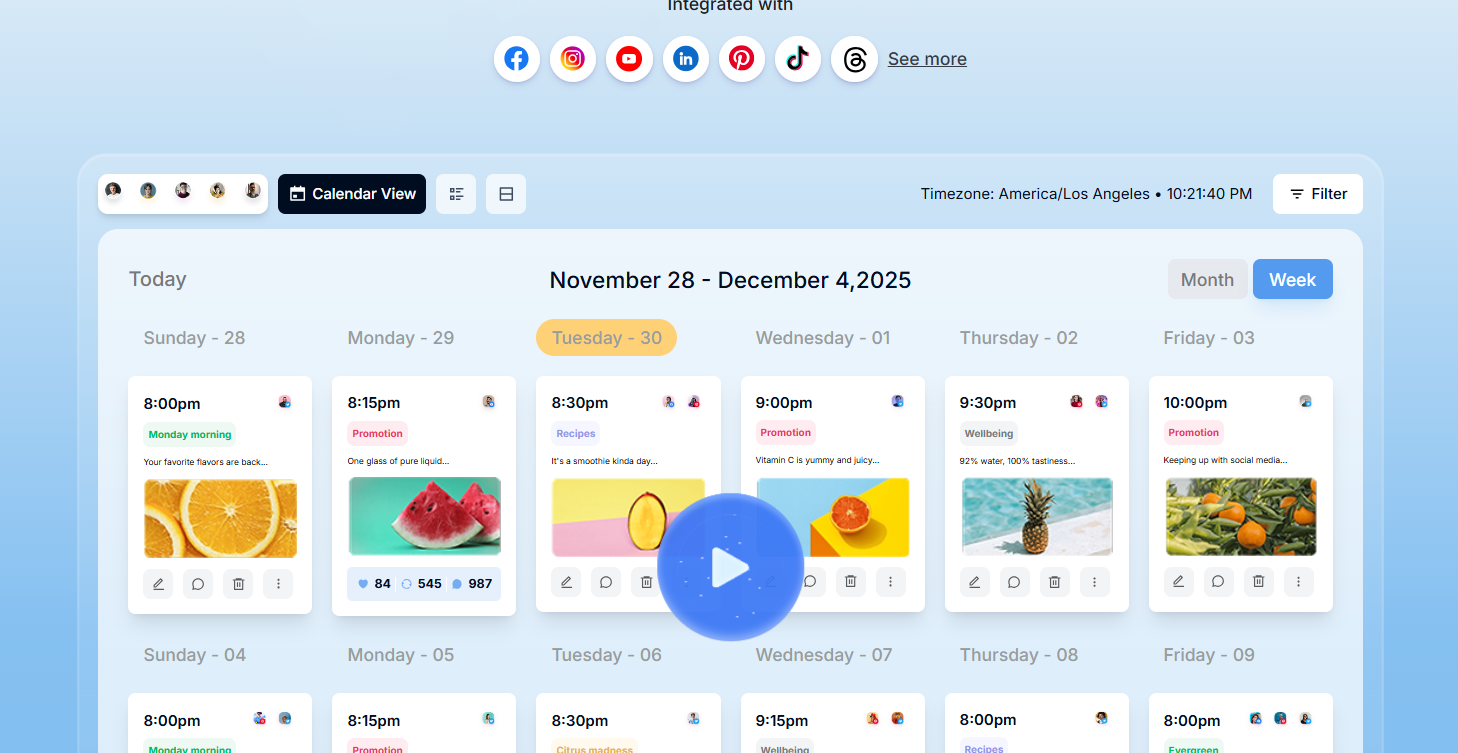
Rating: 4.5/5 ⭐
ContentStudio is a unified social media messaging tool that offers an easy way to manage and grow your social channels. It allows you to stay organized and get more done in less time, no matter if you’re a brand, an agency, or a marketer.
Pros:
- Topic feeds with real-time sentiment tracking
- Evergreen content scheduling via CSV
- AI assistant with a prompt library
Cons:
- Feature-rich interface can take time to learn
- AI content limits on entry tiers
Pricing:
- Free trial available
- Standard ($29/mo)
- Advanced ($69/mo)
- Agency Unlimited ($139/mo)
Hootsuite
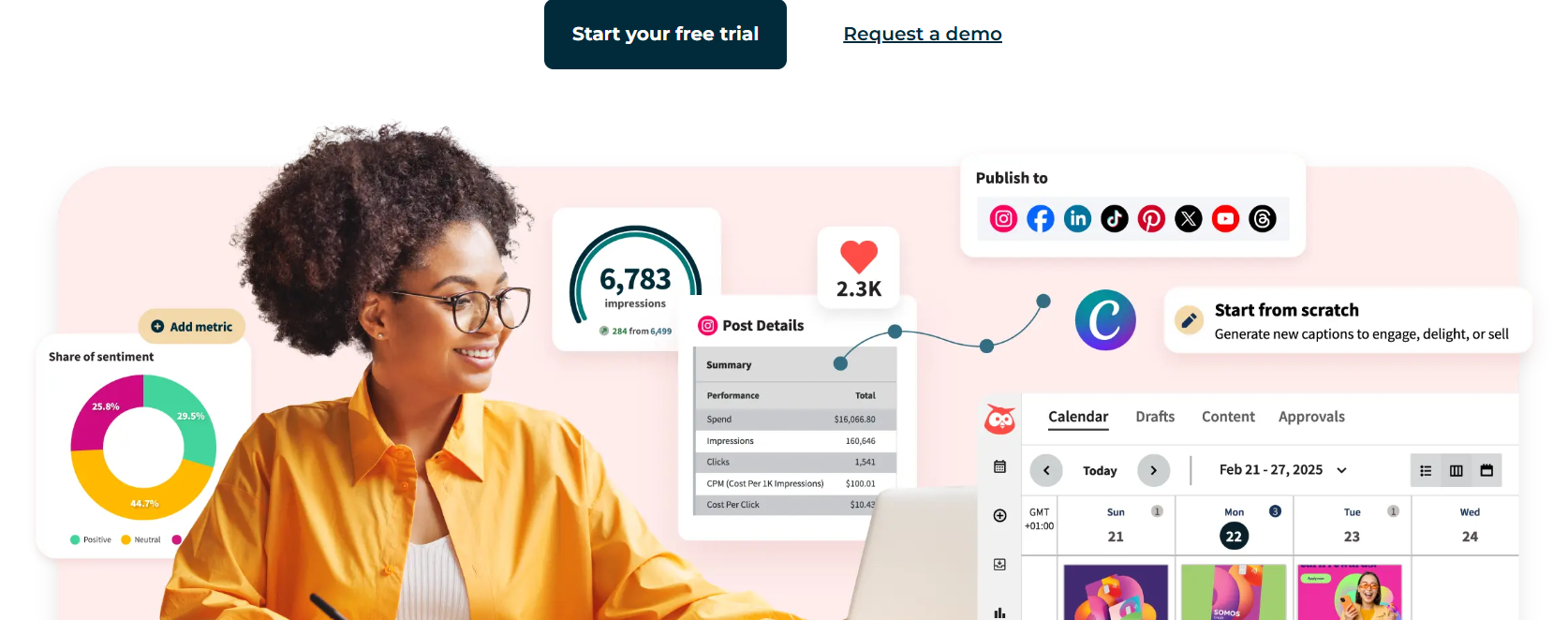
Rating: 4.2/5 ⭐
Hootsuite is a great tool for enterprises looking to amplify social media strategy with data. Some of the things Hootsuite offers include real-time social insights as well as instant generation of captions and post ideas with AI. Moreover, you’ll be able to track mentions and conversations across more than 30 social networks.
Pros:
- Consolidated inbox for all DMs
- Template library with AI-written post frameworks
- Advanced analytics and report builder
Cons:
- High cost compared to others
- Can feel overwhelming for small teams
Pricing:
- Free trial available
- Standard ($149/user/mo)
- Advanced ($399/user/mo)
- Enterprise: Custom pricing
Read more: Explore our guide on enterprise chatbots.
StoryChief
Rating: 4.3/5 ⭐
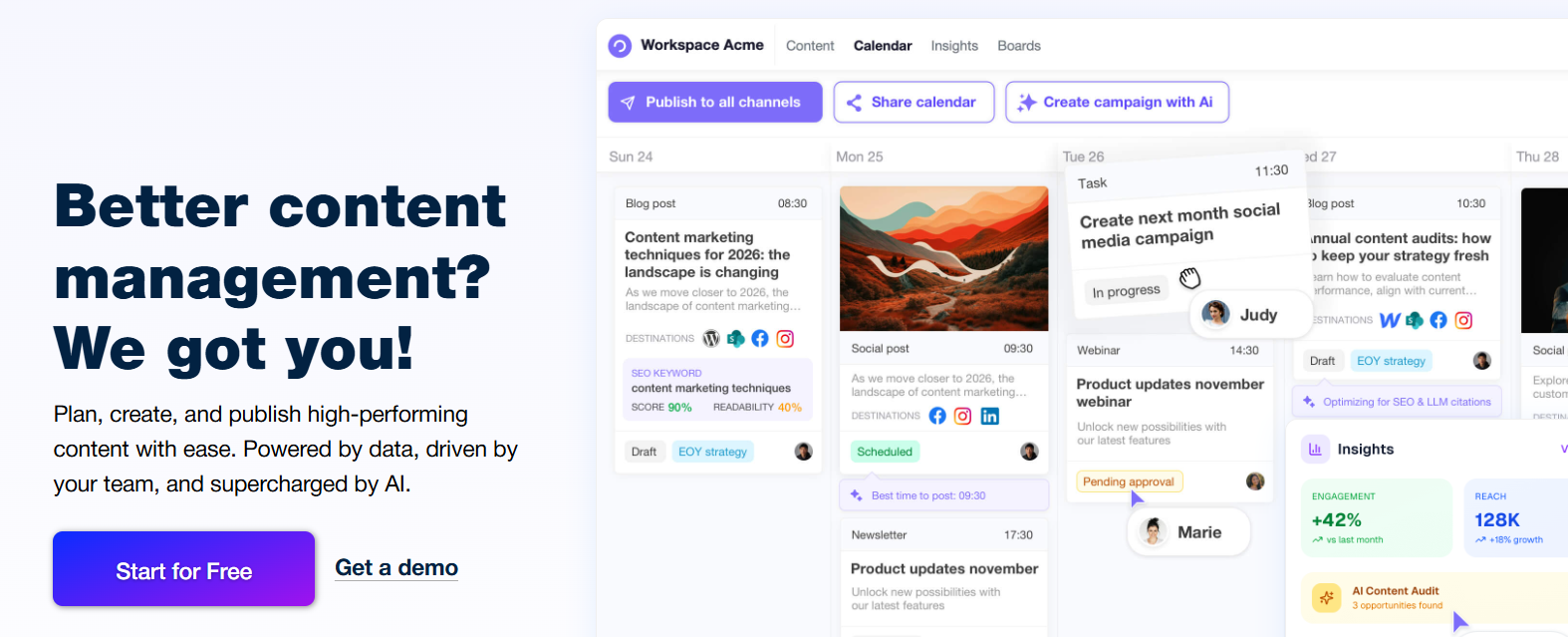
StoryChief blends content creation, blogging, social, and team workflows, then adds an AI-powered strategy to it. It combines content marketing and social media distribution in one workspace, making it ideal for teams that manage blogs, newsletters, and social posts as part of the same editorial workflow. You’ll be able to plan, create, and publish high-performing content with ease.
Pros:
- Onboarding tailored to your brand tone
- Multichannel metrics for quick insights
- AI copilot with strategy audits and prompts
Cons:
- Some users report that only one person can edit a document at a time
- The calendar view lacks flexibility
Pricing:
- Free plan available
- Small Business (Starts from $39/mo/user)
- Agency (Starts from $59/mo/user)
- William, AI Content Agent, add-on ($60/mo)
- Enterprise: Contact sales
Read more: here’s all you need to know about social media chatbots.
How to choose the best AI tool for your needs
With so many platforms offering similar promises, the right choice comes down to how well the tool fits your workflow and business goals. Here are the key factors to keep in mind when making your decision:
- Platform integrations: make sure the tool connects with the social networks and other apps you already use, so you can keep everything in one place.
- Ease of use: look for a clean interface and intuitive navigation to minimize the learning curve.
- Automation features: check whether the tool can handle repetitive tasks like scheduling, post recycling, or automated replies.
- Analytics depth: choose a platform that provides clear, actionable insights into audience behavior and performance.
- Cost: compare pricing plans against the value they offer, considering how many accounts, posts, or team members you need.
As you explore the tools, keep these factors in mind and make a shortlist of platforms that check most of your boxes before you take a final pick or sign up for a trial.
Tips for getting the most out of AI in social media
AI can speed up workflows and open new creative possibilities, but it’s most effective when paired with strategy and human oversight. Here are some tips to help you get the best results without losing the personal touch your audience expects.
Use AI for drafts, but always edit for brand voice
AI is great for generating quick starting points, whether that’s post captions, hashtags, or entire content outlines. But raw AI output often lacks the tone and personality your brand is known for. Always review and edit these drafts so they sound like you, not like a generic template. This ensures your content feels authentic and builds stronger connections with followers.
Combine AI analytics with human judgment
AI-powered analytics can uncover trends and patterns that are easy to miss, from audience sentiment shifts to the best times to post. Still, data alone can’t capture the full context. Use these insights as a guide, but apply your own knowledge of your industry and audience behavior before making final decisions.
Keep testing formats and topics based on performance data
AI can quickly analyze what’s performing well, but success on social media isn’t static. Keep experimenting with new formats and content angles. Track how each one performs, then refine your approach based on both AI-driven metrics and real-world engagement patterns.
Start optimizing your social media with AI today
AI tools can cut hours from your social media workload, all the while helping you post more consistently and make smarter and data-backed decisions. Even small automation steps, like AI-assisted captions or optimized posting times, can add up to measurable improvements.
We urge you to pick one tool from the list that fits your current goals. Try it out for a month, and then track the results. You might be surprised how quickly it frees you up for the creative and strategic work that drives real growth.
Manage social media conversations with Tidio
FAQ
The best AI tool depends on your needs. For example, if you’re looking for a solution that combines customer service automation with social media capabilities, Tidio stands out. It offers AI-powered agents that handle conversations across all of your channels.
AI helps brands generate content, schedule posts, analyze performance, and respond to customer messages faster. It can tailor replies based on trending topics and automate repetitive tasks so your team can focus on strategy and relationship building.
Tidio is an AI-powered customer service platform with omnichannel support. It brings conversations from live chat, email, and social media into a single inbox, so you can manage all interactions without switching tools.
Yes. Tidio includes Lyro AI Agent, which can answer customer questions with natural, human-like responses, plus AI-powered features like automated replies and intent recognition.
Tidio helps businesses automate customer support, respond to inquiries in real time, and stay connected across multiple channels. With integrations for Instagram, WhatsApp, Facebook Messenger, and more, it works equally well for social media engagement and website support.