
The rise of cloud-based call center software has changed how teams handle these challenges. Instead of bulky hardware and inflexible setups, modern tools focus on flexibility, automation, and real-time insights. Calls nowadays can be routed intelligently and connected to CRMs or help desk platforms, so agents always know who they’re speaking with.
Call center tools also help teams stay responsive without burning out. In fact, 87% of call center agents[1] report high stress levels at their workplaces, and agents use an average of 5–8 different software systems during a single interaction.
Whether the goal is handling inbound support calls or scaling outbound sales, the right software makes it easier to improve call quality and keep operations organized as your business grows.
Below, we break down the best call center tools available today, highlighting what each one does best and which types of teams it’s designed for.
| Tool | Free plan? | Best for |
|---|---|---|
| KrispCall | ❌ | Cloud telephony & call center workflows (voice, IVR, integrations) |
| PhoneBurner | Free trial available | Outbound power dialing & sales engagement |
| Assembled | ❌ | Workforce management & scheduling for contact centers |
| Observe.ai | ❌ | Enterprise AI-powered conversation intelligence & QA |
| CallMiner | ❌ | Conversation analytics & customer interaction insights |
| Five9 | ❌ | Cloud contact center platform with omnichannel routing |
| Nextiva | ❌ | Unified communications + call center tools (voice, messaging, CRM) |
1. KrispCall
Ratings: 4.5/5⭐(330+ reviews)
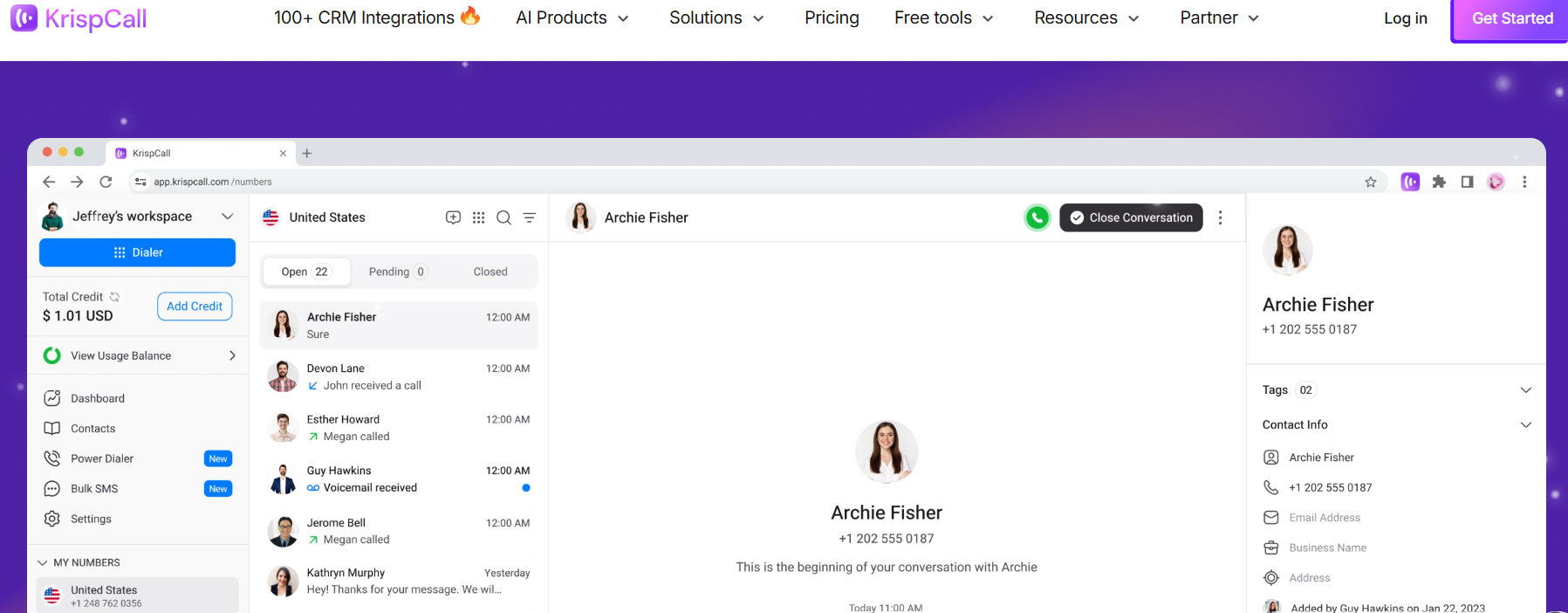
KrispCall is a cloud-based telephony system that enables businesses to manage a high volume of voice calls, contact history, and voicemail, all within a unified platform. It helps the team handle both the inbound and outbound call center workflows effectively with different features like IVR, power dialer, call monitoring, etc.
At its core, it’s an AI-powered telephony system supporting virtual call centers and enabling remote agents to make and receive calls, send messages, and track customer interactions without traditional on-premises hardware. It streamlines operations by centralizing communication data into a single dashboard that has seamless integration with different CRM tools like HubSpot, Salesforce, Pipedrive, etc.
Pros:
- Seamless integration with 100+ CRM and business tools
- User-friendly platform featuring voicemail transcription, call recording capabilities, and data reporting.
- Consistent and clear voice quality paired with active call monitoring and efficient team collaboration.
Cons:
- Call analytics data is only retained for a single day.
- Minor learning curve with IVR setup
- Availability of local numbers can be limited in certain regions
Pricing:
- Essential ($15/user/mo)
- Standard ($40/user/mo)
- Enterprise Custom
Take pressure off your call center by resolving common questions with Tidio
Read more: Check out these top AI agents for customer service and find the tool that fits your needs.
2. PhoneBurner
Ratings: 4.7/5 (270+ reviews)
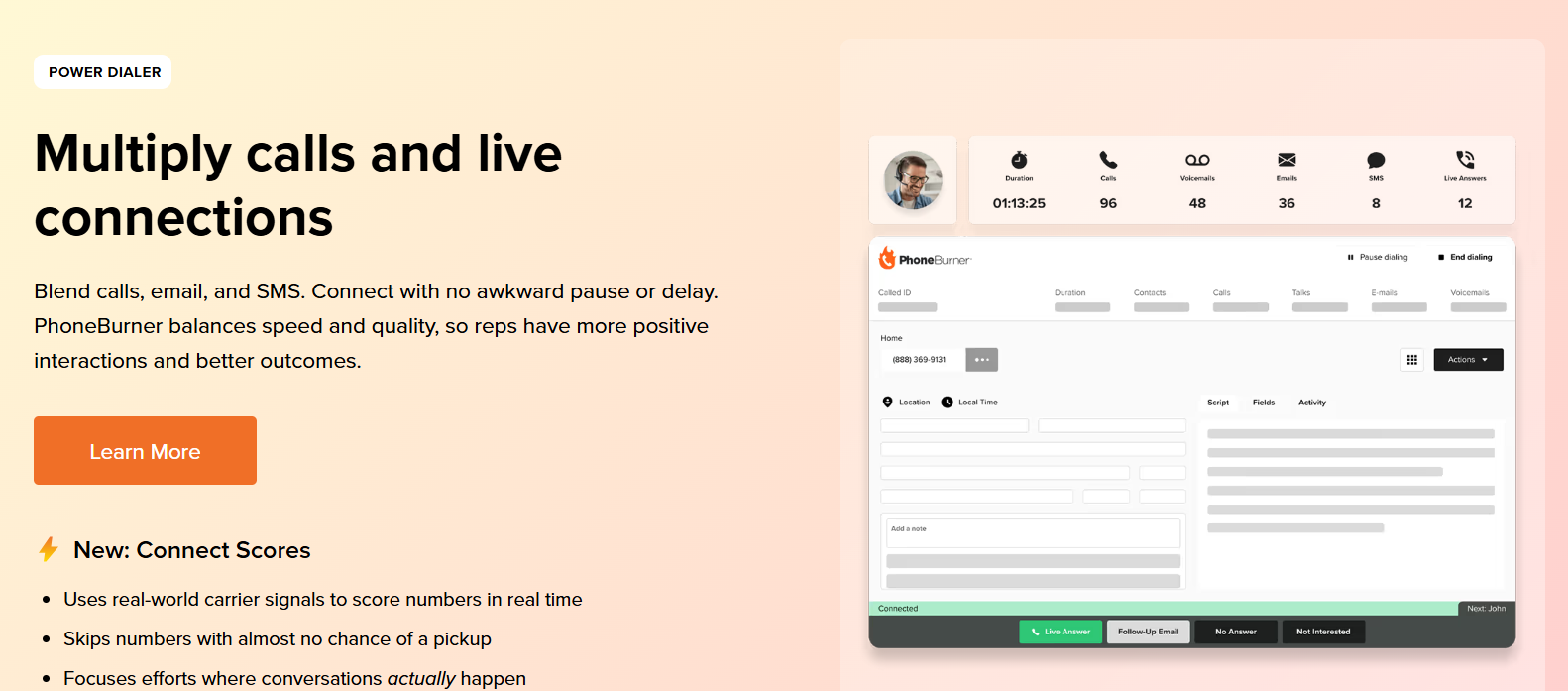
PhoneBurner is a cloud-based power dialer and sales engagement platform designed to help teams drive more live conversations, not just more dials. Its 0-delay dialing eliminates awkward delays, improving call experiences and outcomes. The platform automates repetitive tasks through 1-click voicemails, instant emails, and SMS based on call outcome, activity logging, and lead progression, reducing admin work so reps can stay focused on meaningful conversations.
PhoneBurner also prioritizes spam protection and call answer rates, offering insights into number reputation, carrier treatment, and call performance trends. These deliverability tools, combined with workflow automation and team management features, give organizations a structured outreach process that’s both fast and conversation-focused. The result is higher-quality engagement and more consistent connection outcomes without sacrificing compliance or call experience.
Pros:
- ARMOR® protects against spam flags and helps improve live answer rates
- Powerful workflow automation saves reps time and maintains focus on live conversations
- Blends high-speed outreach with quality interactions using responsible, trust-centered dialing
Cons:
- Inbound call management features aren’t included on lower tiers
- Email creation tools and sequences aren’t as feature-rich as some other platforms
Pricing:
- Free trial available
- Standard ($165/mo)
- Professional ($195/mo)
- Premium ($215/mo)
Read more: Here are the best AI sales assistant software available on the web.
3. Assembled AI
Ratings: 4.8/5 ⭐ (20 reviews on G2)
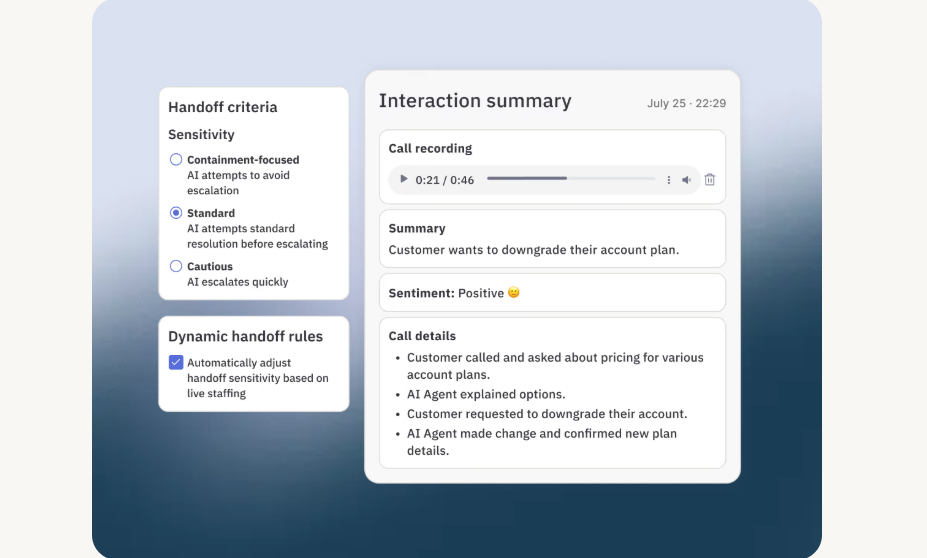
Assembled AI is an AI-powered support automation and agent-assist platform that enables customer service teams to handle inquiries across voice, chat, and email. It provides both fully autonomous AI agents that can resolve complete conversations end-to-end and AI Copilot, which works alongside human agents to provide real-time suggestions, draft responses, surface relevant knowledge, and automate wrap-up tasks. Teams can deploy these capabilities independently or together, choosing the level of automation that fits their needs and scaling at their own pace.
What distinguishes Assembled AI is its integration with workforce management capabilities. It’s the only platform that combines AI automation with workforce planning tools, allowing teams to forecast AI workload capacity, understand automation’s impact on staffing needs, and optimize human agent deployment accordingly. This unified approach helps organizations manage both their AI and human workforce from a single platform, adjusting resource allocation as automation scales.
Pros:
- AI agents and agent-assist capabilities available for voice, chat, and email
- Workforce management integration that includes forecasting, capacity planning, and staffing tools alongside AI automation
- Flexible automation option, supporting both fully automated AI agents and AI Copilot for human-in-the-loop workflows
- No-code customizable workflows for building multi-step AI workflows that can trigger actions across connected systems
- AI agents support multiple languages across channels
Cons:
- Teams need to configure knowledge sources and workflows to achieve optimal performance
- Organizations with low support volume may not require full workforce planning and automation capabilities
Pricing:
- Free demo
- Flexible options for pilot and POC
- AI Agents → Starting from $0.65/conversation
- AI Copilot → Starting from $35/month
- Workforce Management → Starting from $25/month
- Contact sales for custom packages and enterprise pricing
Read more: Explore all about AI customer service agents, including benefits, use cases, and challenges of using one.
4. Observe.ai
Ratings: 4.6/5 ⭐ (230+ reviews)
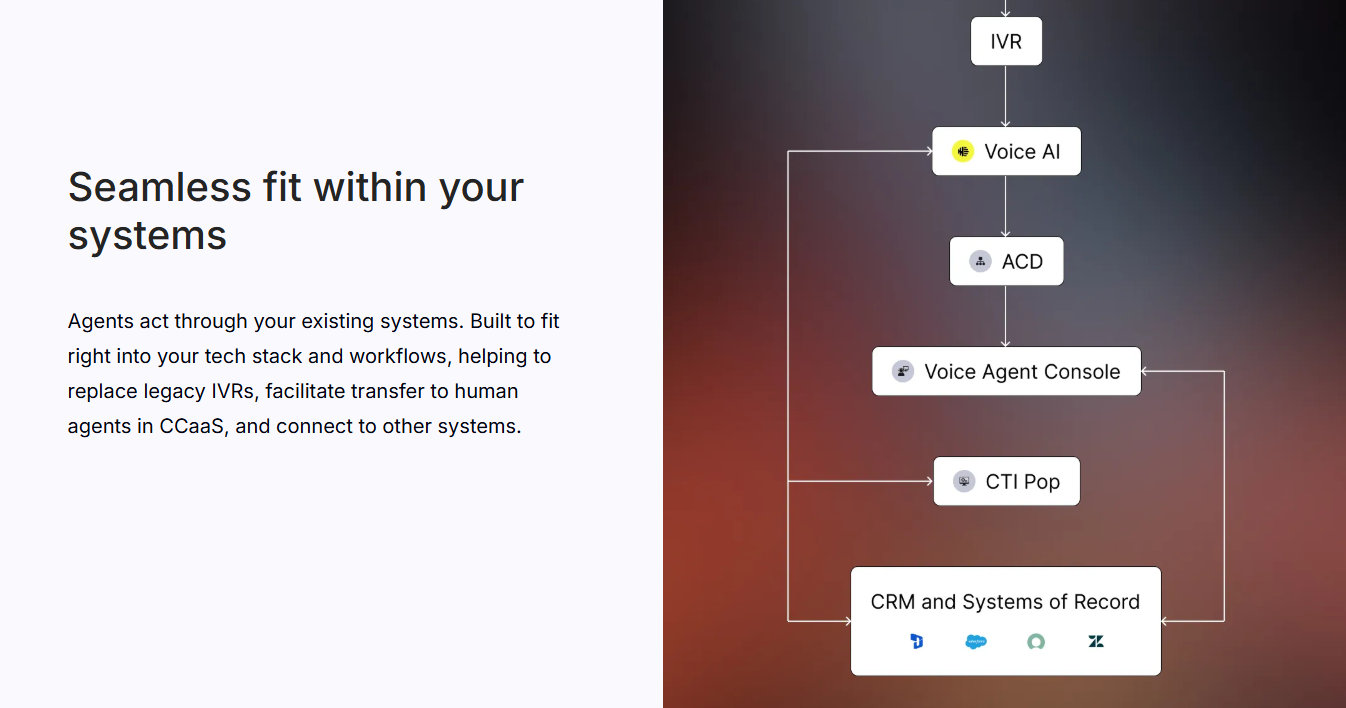
Observe.ai is an AI-powered conversation intelligence platform built to help contact centers get actionable insights from spoken interactions. It combines advanced speech analytics, real-time agent assist, AI coaching, and automated quality assurance to improve agent performance and operational efficiency. The platform supports both coaching workflows and production-ready AI agents, allowing teams to analyze voice calls, generate call summaries, and prioritize areas for improvement with data-driven recommendations.
Unlike basic call recording tools, Observe.ai uses natural language processing to transcribe conversations, identify sentiment, and highlight key interaction moments. This enables QA teams to evaluate 100% of calls instead of a sample. It also helps supervisors coach agents based on consistent criteria and supports business leaders with insights that align with strategic KPIs.
Pros:
- Automated Quality Assurance (Auto QA) that evaluates 100% of calls using AI scorecards, removing the need for manual sampling
- Real-time agent assist and post-call summaries, including live prompts, call summaries, and key moment detection to support agents during and after conversations
- Advanced speech analytics with transcription, sentiment detection, topic tracking, and compliance monitoring
Cons:
- A number of users say the product lacks certain features they expected (for example, richer interaction context like screen recordings)
- There are reports of technical call issues that affected performance or reliability
Pricing: Contact sales
5. CallMiner
Ratings: 4.5/5 ⭐ (220+ reviews)
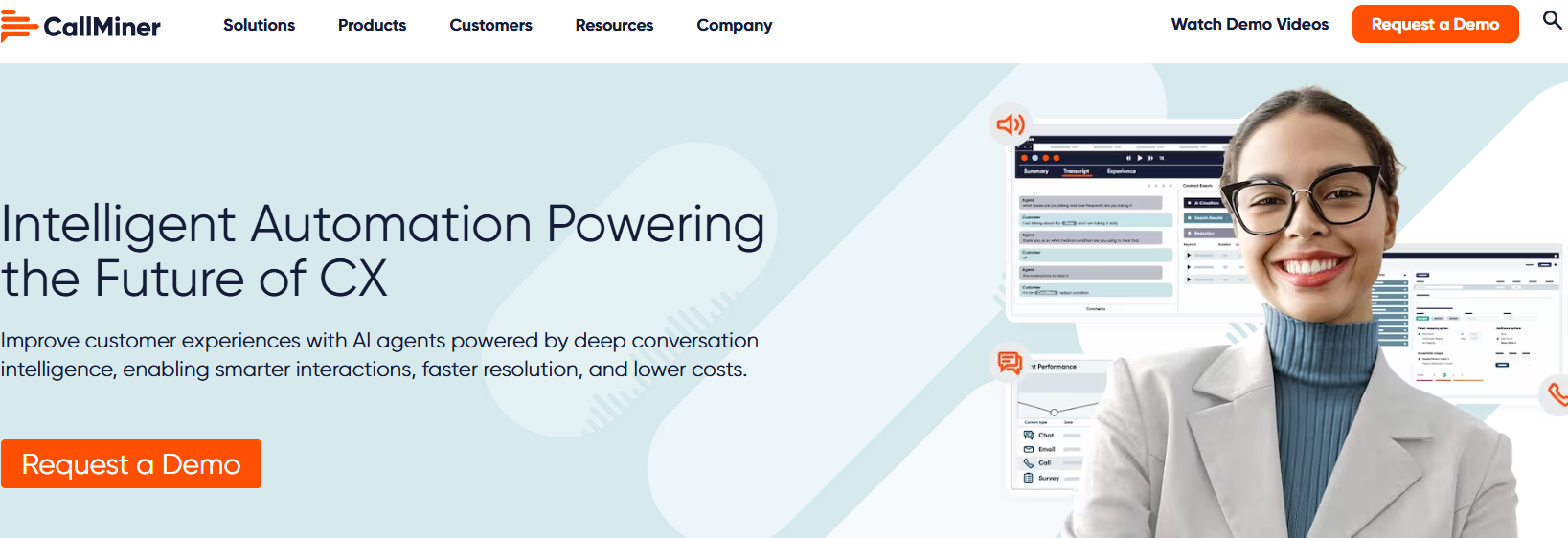
CallMiner is an enterprise-grade conversation intelligence and customer experience automation platform. It captures and analyzes customer interactions across voice and digital channels, and turns them into structured insights that help organizations improve agent performance and elevate overall contact center outcomes. The solution combines AI-powered speech analytics, sentiment scoring, automated QA, and intelligent reporting to give teams a deeper understanding of what’s happening in every conversation.
Rather than sampling a small percentage of interactions, CallMiner enables large and complex contact centers to monitor all conversations, whether by phone, chat, email, or messaging. Its suite also includes tools for real-time agent guidance and automated workflows that support faster resolutions and more consistent service delivery.
Pros:
- Many reviewers value the accurate transcript and data management capabilities for coaching and quality control
- Several users praise the supportive customer service and product roadmap, which brings frequent improvements
- The platform’s automation and integration potential is appreciated for scalability and operational use
Cons:
- Slow loading times and interface lag are mentioned as frustrations by multiple reviewers
- Some reviewers feel the user interface could be more intuitive or user-friendly compared with competing AI tools
Pricing: Contact sales
6. Five9

Ratings: 4.1/5 ⭐ (580+ reviews)
Five9 is a cloud-based contact center platform built to support omnichannel customer engagement for inbound, outbound, and blended call center operations. The platform consolidates voice, email, chat, SMS/MMS, and social messaging into a single workspace. Intelligent routing is designed to streamline call flows and elevate agent productivity.
Among Five9’s broad feature set, there are also IVR and predictive and progressive dialing, helping teams manage complex customer interactions.
The platform is often deployed by mid-sized to enterprise contact centers that require robust workflow automation and an extensive set of integrations to support multichannel customer service. Its cloud-native architecture enables remote agent support and scalability while providing supervisors with visibility into performance and operational metrics.
Pros:
- Broad omnichannel support across voice, email, chat, and messaging, reducing platform switching for agents
- Strong integration capabilities with major CRMs and business systems
- Flexible dialer options and routing strategies support both inbound and outbound operations
Cons:
- Users report complexity in the interface and navigation, making training and adoption slower
- Difficult setup and initial configuration are mentioned, especially in larger deployments
Pricing: Contact sales
7. Nextiva

Ratings: 4.5/5 ⭐(3,430+ reviews)
Nextiva is a cloud-based unified customer experience and communication platform that brings voice, messaging, video, CRM, and omnichannel engagement into a single interface. Designed for businesses of all sizes, its platform supports call center operations alongside team collaboration and customer engagement workflows.
Agents can manage phone calls, web chat, SMS, social media interactions, and more from a unified dashboard. This reduces the need to switch between multiple tools while keeping customer context in one place.
Ultimately, Nextiva’s tools help teams route calls, monitor real-time performance, and automate aspects of customer interaction to improve responsiveness and service quality.
Pros:
- Users frequently highlight the unified communications experience, with voice, messaging, and collaboration all accessible from one platform
- Many reviewers praise reliable call quality and uptime, noting that basic call features perform consistently
- Teams appreciate built-in CRM and interaction history that help agents understand context during calls and messages
Cons:
- A number of reviewers mention software or mobile app glitches, including occasional bugs or performance issues
- A common theme in reviews is that advanced features require learning and configuration before they can be used effectively
Pricing:
- Core ($15/mo)
- Engage ($25/mo)
- Power Suite CX ($75/mo )
- Enterprise: Contact sales
Call center tools: key takeaways
With expectations rising and competition fierce, businesses can’t afford slow responses or disconnected systems. Customers notice, and they vote with their wallets.
Modern call center software brings flexibility, automation, and data-driven insights that help teams work smarter and respond faster. Whether you’re aiming to improve first-call resolution or give agents a unified view of each customer, the right tool can turn everyday interactions into opportunities for better outcomes.
As you evaluate platforms, think about your team’s needs at both ends of the call experience, from routing and reporting for managers to clarity and context for agents. Remember—the best solutions are the ones that set you up to scale without sacrificing quality.
It’s also worth looking beyond phone-only solutions. Many support teams now handle a large share of customer conversations through chat, email, and social channels, often alongside call center workflows.
That’s where tools like Tidio come in. While Tidio isn’t a call center tool in the traditional sense, it fits naturally into a modern support stack, especially for teams that handle a high share of conversations outside the phone channel. It brings live chat, email, and social messages into one inbox, so agents can keep track of customer context without jumping between tabs. You can also use automation and AI features like Lyro to answer repetitive questions instantly, route conversations, and keep response times steady when call volumes spike.
Take pressure off your call center by resolving common questions with Tidio