
Key takeaways
- Customer satisfaction software ranges from help desks with built-in CSAT ratings to survey platforms that run CSAT, NPS and CES programs across email, SMS and in-app.
- If your team already answers customers in a chat or ticket tool, start with software that sends the survey when the conversation closes: Tidio, Freshdesk or Nicereply.
- For research-style programs with branching logic and benchmarks, SurveyMonkey and Zonka Feedback go deeper than a help desk rating.
- Five of the 9 tools have a forever-free plan: Tidio, SurveyMonkey, Qualaroo, Visme and forms.app. Freshdesk, Zonka Feedback, Nicereply and SurveySensum offer trials only.
- Check the pricing model before the features: per agent, per response and per year bills grow in different ways.
Most teams pick customer satisfaction software twice. The first tool collects ratings, but the scores sit in a separate dashboard nobody opens. The second one finally lands in the help desk, where agents can see a low score next to the ticket that caused it.
To save you the first round, the tools below are sorted by where the survey fires, from a rating inside the support inbox to full CX research programs, with the price model and the team each one suits.
What customer satisfaction software does
Customer satisfaction software asks customers how an interaction went, collects the answers as CSAT, NPS or CES scores and shows where scores rise or fall. The best tools also alert your team to a bad score while the customer is still waiting for a fix.
It captures feedback right after the interaction
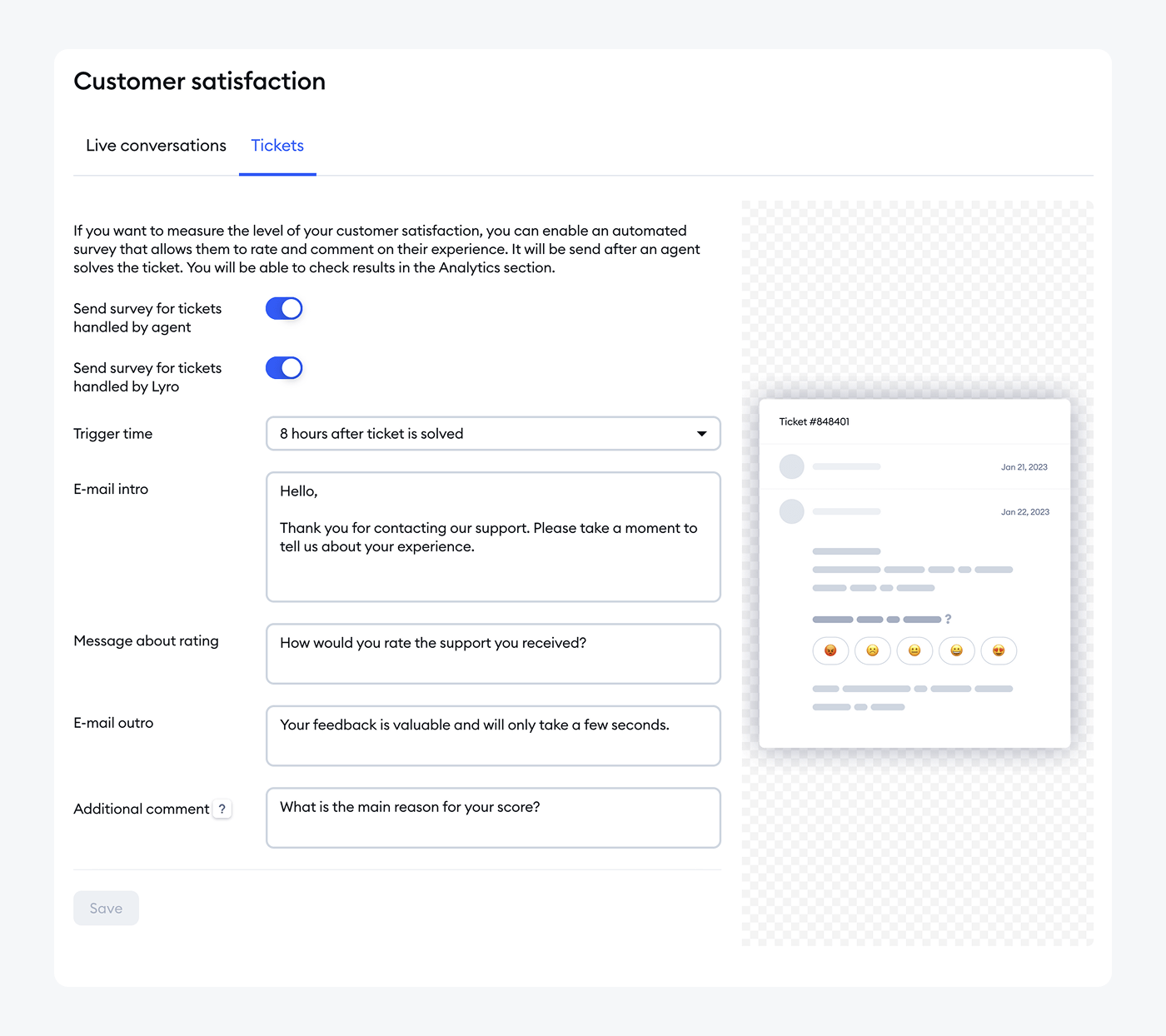
The survey goes out when the conversation ends: a rating in the chat window, a link in the ticket email, a pop-up on the site or a message on WhatsApp or SMS. Asking right then gets fresher answers than a quarterly email blast. If you want question ideas, see our guide to customer satisfaction surveys.
It tracks sentiment across touchpoints
A score doesn't say why. Open-text comments do, and the better tools group them into themes or sentiment, so you can see that slow replies, not product quality, caused a dip.
It flags trends and supports performance reviews
Score trends by channel, team and agent turn a vague "customers seem less happy" into a specific problem you can coach. Pair them with other customer service metrics such as first response time before you judge anyone.
The best customer satisfaction software at a glance
Our top picks: Tidio for small teams that want CSAT inside their chat and ticket inbox, Freshdesk for ticket-heavy teams that want surveys tied to the ticket lifecycle, and SurveyMonkey for teams that run broader research alongside CSAT.
| Tool | Best for | Starting price | Free plan / trial | G2 rating |
|---|---|---|---|---|
| Tidio | CSAT inside chat, tickets and AI support | Free plan; automatic surveys from $41/mo (Growth, Human only) | Free plan, 7-day trial | 4.6/5 |
| Freshdesk | Ticket-based support teams | $19/agent/mo (surveys from $55) | 14-day trial | 4.4/5 |
| Zonka Feedback | Multichannel CSAT with AI analysis | Custom pricing | 14-day trial | 4.7/5 |
| Nicereply | Per-agent CSAT, NPS and CES | $59/mo | 14-day trial | 4.5/5 |
| SurveyMonkey | Flexible surveys and benchmarks | $39/mo | Free Basic plan | 4.4/5 |
| Qualaroo | In-context website and in-app surveys | $19.99/mo | Free plan, 50 responses | 4.3/5 |
| SurveySensum | Execution-first CX programs | $3,600/year | 1-month trial | 4.6/5 |
| Visme | Branded, designed survey forms | $12.25/mo | Free plan | 4.5/5 |
| forms.app | Low-cost survey builder | $15/mo | Free plan | 4.5/5 |
Prices change often. Confirm each one with the vendor before you commit.
How we chose and tested these tools
We started from the tools that appear in today's top results for customer satisfaction software, plus the help desks whose CSAT features teams use daily, and narrowed the field to 9. We judged each one on six points:
- Survey types: CSAT, NPS and CES, and the question formats each one supports.
- Channels: chat, email, SMS, WhatsApp, website and in-app.
- Workflow fit: whether a survey fires automatically when a ticket or chat closes.
- Reporting and alerts: trends by agent, team and channel, and real-time alerts for low scores.
- Integrations: help desks, CRMs and messaging tools.
- Pricing clarity: what is free, what is per agent, per response or per year, and what costs extra.
We compared the 9 on pricing pages, documentation and G2 reviews, and checked Tidio's survey setup against its help center. We ordered the list by fit for support teams, not by rating: Tidio is first because it sends CSAT surveys from the same inbox where your agents and Lyro answer customers, and it gets the same template as every other tool. Prices come from each vendor's pricing page, ratings from G2. We did not run every tool in a live account, so feature descriptions come from vendor documentation and G2 reviews.
The 9 best customer satisfaction software tools
1. Tidio
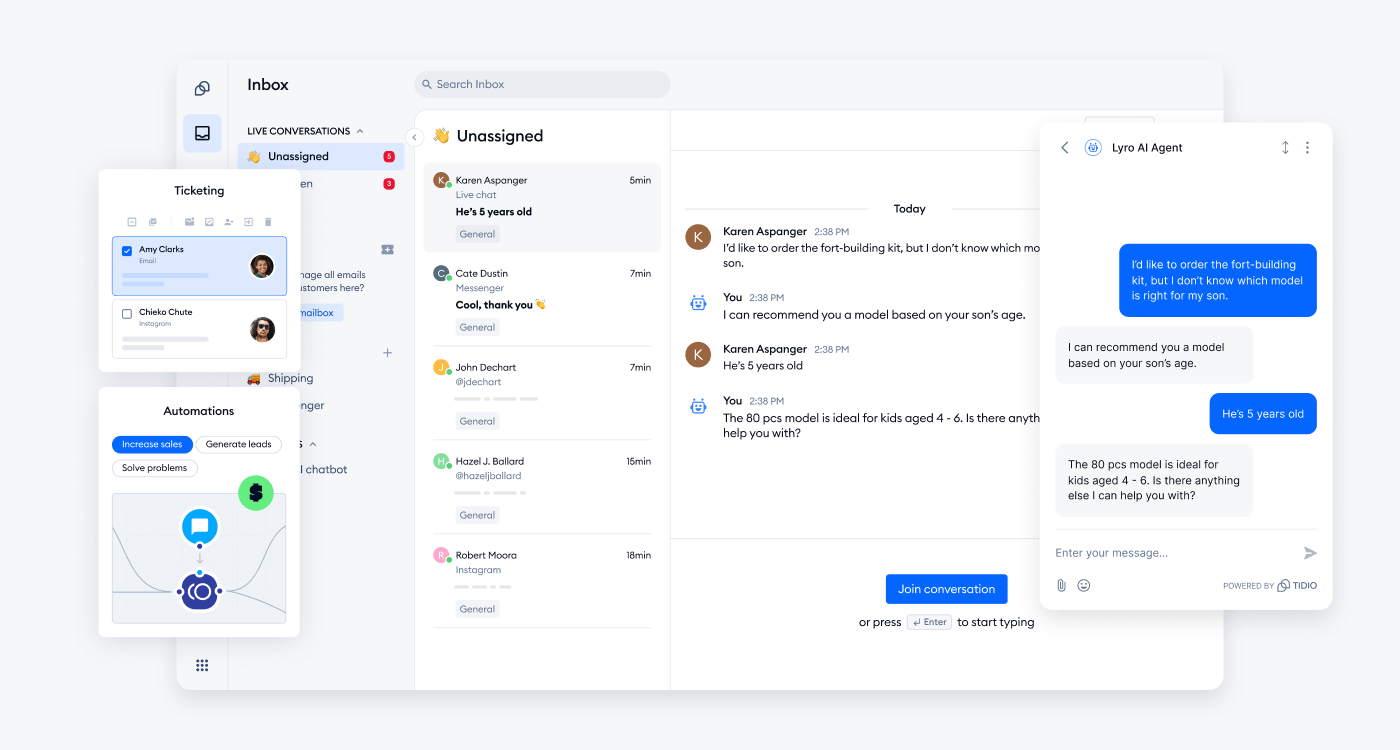
Best for: small and mid-size support teams that want CSAT inside their chat and ticket inbox.
Quick facts:
- Surveys: five-emoji CSAT rating and comment after chats and tickets, for agents and Lyro; automatic surveys from Growth.
- Channels: live chat, email, Messenger, Instagram and WhatsApp.
- G2: 4.6/5 (2,169 reviews)
Tidio is AI customer service software with live chat, a help desk and the Lyro AI agent in one inbox. Its customer satisfaction tool asks for a five-emoji rating and a comment as soon as a human agent or Lyro closes a conversation. If a customer ignores the rating after a Lyro chat, they get the request by email a day later.
The useful part is the split. Analytics shows ratings for human support and AI support separately, plus an average per agent, so you can see whether Lyro's answers satisfy customers as much as your team's. Lyro, the best AI agent for support teams that want to see how customers rate AI answers, resolves up to 75% of support conversations, so it is worth checking that its answers rate as well as your team's. Tidio fits these teams best:
- Shopify and other e-commerce stores that answer order questions in chat, with live cart preview and order history next to the conversation.
- Small teams that want automation to carry the repetitive questions.
- Teams that run live chat, email, Messenger, Instagram and WhatsApp from one inbox.
Key features:
- Automatic ratings: switch on separate triggers for live chats and tickets, for agents, Lyro or both.
- Ticket surveys with a delay: choose how long after a ticket is solved the email goes out.
- Human and AI analytics: compare ratings, see every rated conversation sorted by score and check each agent's average.
- Feedback flows: a "Measure Customer Satisfaction" flow template asks a custom question, tags the answer and can pass tags on through Zapier.
Pros
- Surveys trigger on their own for both agents and Lyro.
- Ratings sit next to the conversation, so agents see context.
- Free plan to start; automatic surveys come with Growth.
- Flows let you ask questions beyond the default rating.
Cons
- The built-in rating is a five-point emoji scale, so longer CSAT, NPS or CES questionnaires need a dedicated survey tool.
- The widget survey covers chats inside the Tidio widget; Messenger, Instagram and WhatsApp conversations are not covered by it.
- Ticket surveys are separate from live chat surveys, so you configure two sets of texts.
Pricing:
- Free: 50 human conversations/month, 100 Flows visitors/month + 50 one-time Lyro AI conversations.
- Starter: Human only: from $24/month for 100 conversations. With Lyro AI: from $33/month for 50 conversations shared by AI and your team.
- Growth: from $41/month for 200 human conversations or $63/month for 100 AI + human conversations; scalable to 1,000/month.
- Plus: from $300/month + usage. Premium: custom pricing.
- Optional add-ons: Flows, Inbox AI, Help Center, Voice, and branding removal.
- 7-day free trial: Growth features with Lyro AI and 100 AI + human conversations, no card required; moves to Free unless you choose a paid plan.
Starting prices shown with annual billing.
See Tidio pricing.
Collect CSAT where your customers already talk to you
2. Freshdesk
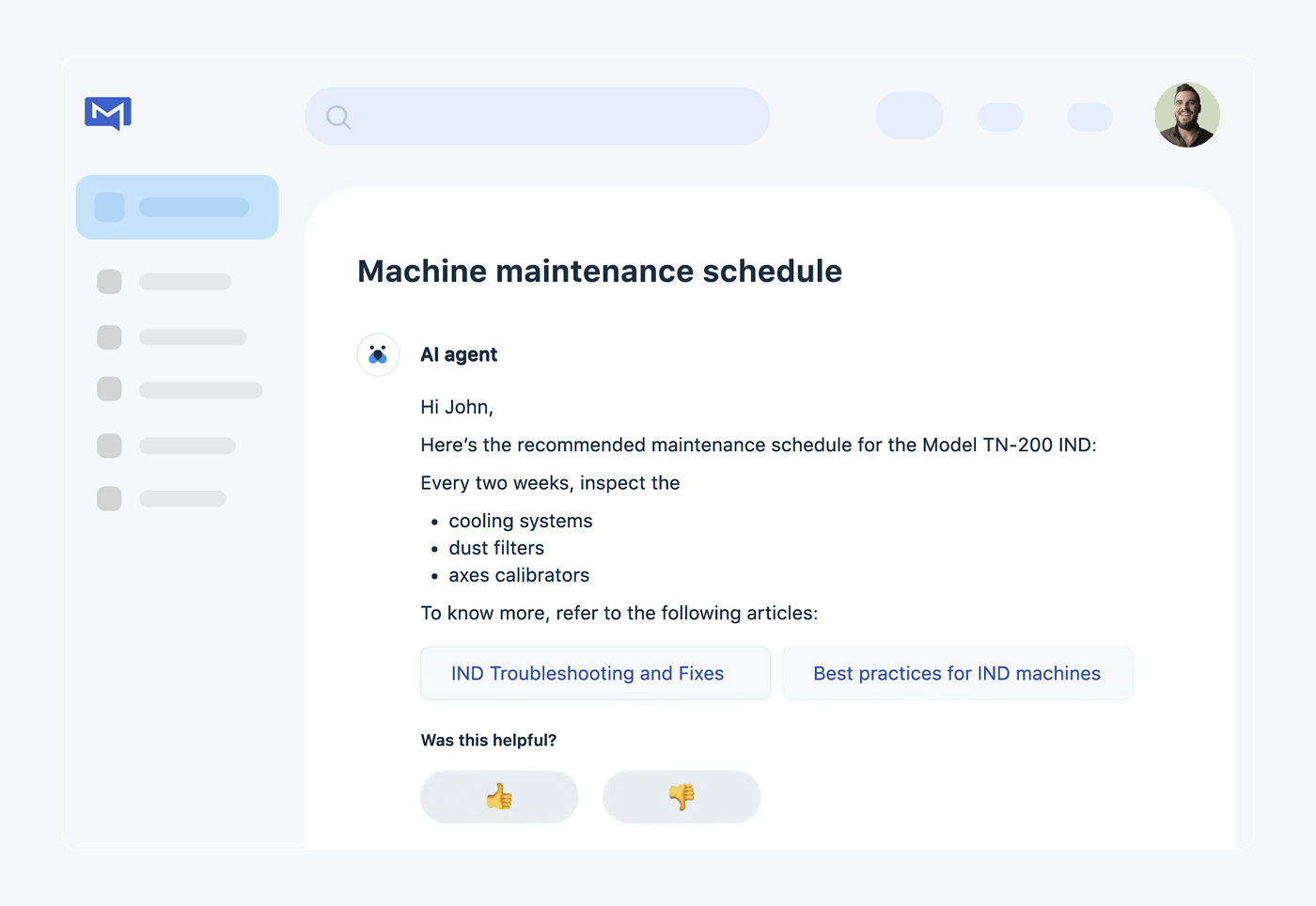
Best for: ticket-heavy support teams that want surveys tied to the ticket lifecycle.
Quick facts:
- Surveys: CSAT on ticket resolution, from Pro ($55 per agent).
- Pricing: per agent a month; 14-day trial.
- G2: 4.4/5 (3,795 reviews)
Freshdesk is a full help desk from Freshworks. Its customer satisfaction survey is configured to go out when a ticket is resolved or closed, and admins can also trigger it through automations or let agents attach it to a reply. The catch is the plan: satisfaction surveys and their report start on Pro, not on the $19 Growth plan.
Teams with several channels and routing rules get the most from it, because the score lives on the ticket record. If you need NPS programs or website surveys, you will add a dedicated tool on top.
Key features:
- Ticket-linked surveys: ratings are stored on the ticket, sent on resolve or close, from Pro.
- Omnichannel ticketing: email, chat, phone and social in one view.
- Freddy AI Agent: the first 500 sessions are included in every paid plan.
- Satisfaction survey report: included on Pro and Enterprise.
Pros
- Mature ticketing with SLAs, routing and automation.
- Survey results sit with the ticket history.
- Large app marketplace.
Cons
- Satisfaction surveys are not on the Growth plan.
- Per-agent pricing grows with the team, and there is no forever-free plan, only a 14-day trial.
- Extra AI sessions are billed on top of the plan.
Pricing: Growth is $19/agent/mo billed annually, Pro is $55 and Enterprise is $89. Freddy AI Agent includes 500 sessions, then $49 per 100 sessions. A 14-day trial gives access to the Enterprise plan.
Read more: Freshdesk alternatives and Tidio vs Freshdesk.
3. Zonka Feedback
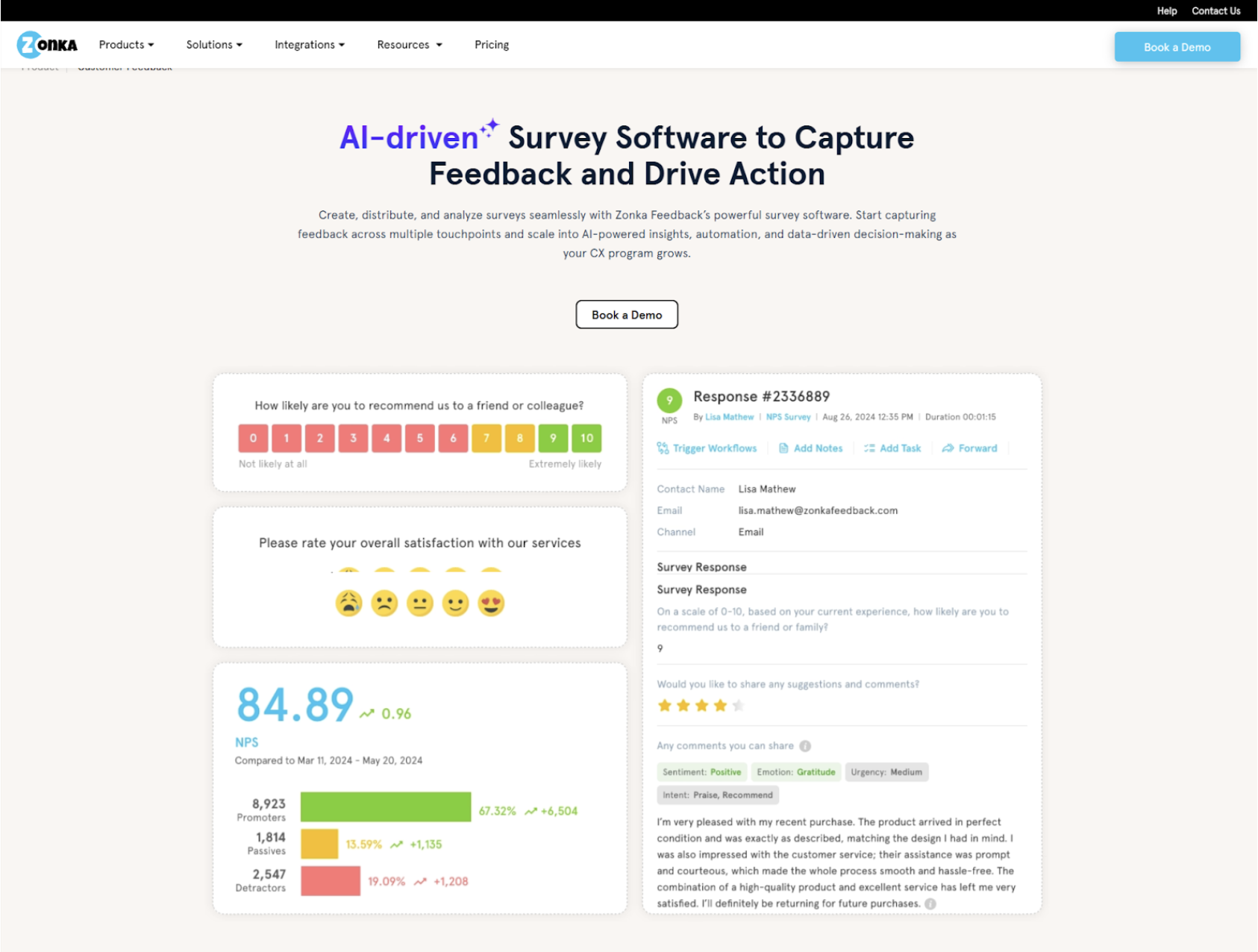
Best for: teams that run CSAT, NPS and CES across many channels and want AI to read the comments.
Quick facts:
- Surveys: CSAT, NPS and CES with AI theme and sentiment analysis.
- Channels: email, SMS, WhatsApp, web, in-app and kiosks.
- G2: 4.7/5 (85 reviews)
Zonka Feedback is a dedicated feedback platform. It sends surveys by email, SMS, WhatsApp, web, in-app and offline kiosks, then analyzes open-text answers for themes and sentiment so you do not read every comment by hand. A response inbox lets teams assign follow-ups on negative feedback.
It is the better pick when satisfaction is a program, not a feature of your help desk. The ceiling is scale: a basic post-chat rating needs far less than this platform offers.
Key features:
- Omnichannel surveys: email, SMS, WhatsApp, web, in-app and kiosks.
- AI analysis: themes, sentiment and entity mapping by location, agent and team.
- Closed-loop workflows: alerts and case assignment for low scores.
- Integrations: helpdesks and CRMs such as Zendesk, Salesforce, HubSpot and Intercom.
Pros
- Broadest channel coverage on this list, including WhatsApp and offline.
- AI theme detection on open-text feedback.
- Alerts and follow-up workflow for unhappy customers.
Cons
- More configuration than a team that only needs a post-chat rating wants.
- Pricing is not public, so you need a quote.
- AI analysis is a separate offering (AI Feedback Intelligence) that you buy alone or bundled.
Pricing: custom pricing based on feedback volume, scale and goals, with a 14-day free trial. Feedback Management and AI Feedback Intelligence are sold separately or bundled. See Zonka Feedback pricing.
4. Nicereply
Best for: support teams that want agent-level CSAT, NPS and CES reports.
Quick facts:
- Pricing: by responses and users, from $59 a month billed annually.
- Channels: email, link surveys and website pop-ups.
- G2: 4.5/5 (431 reviews)
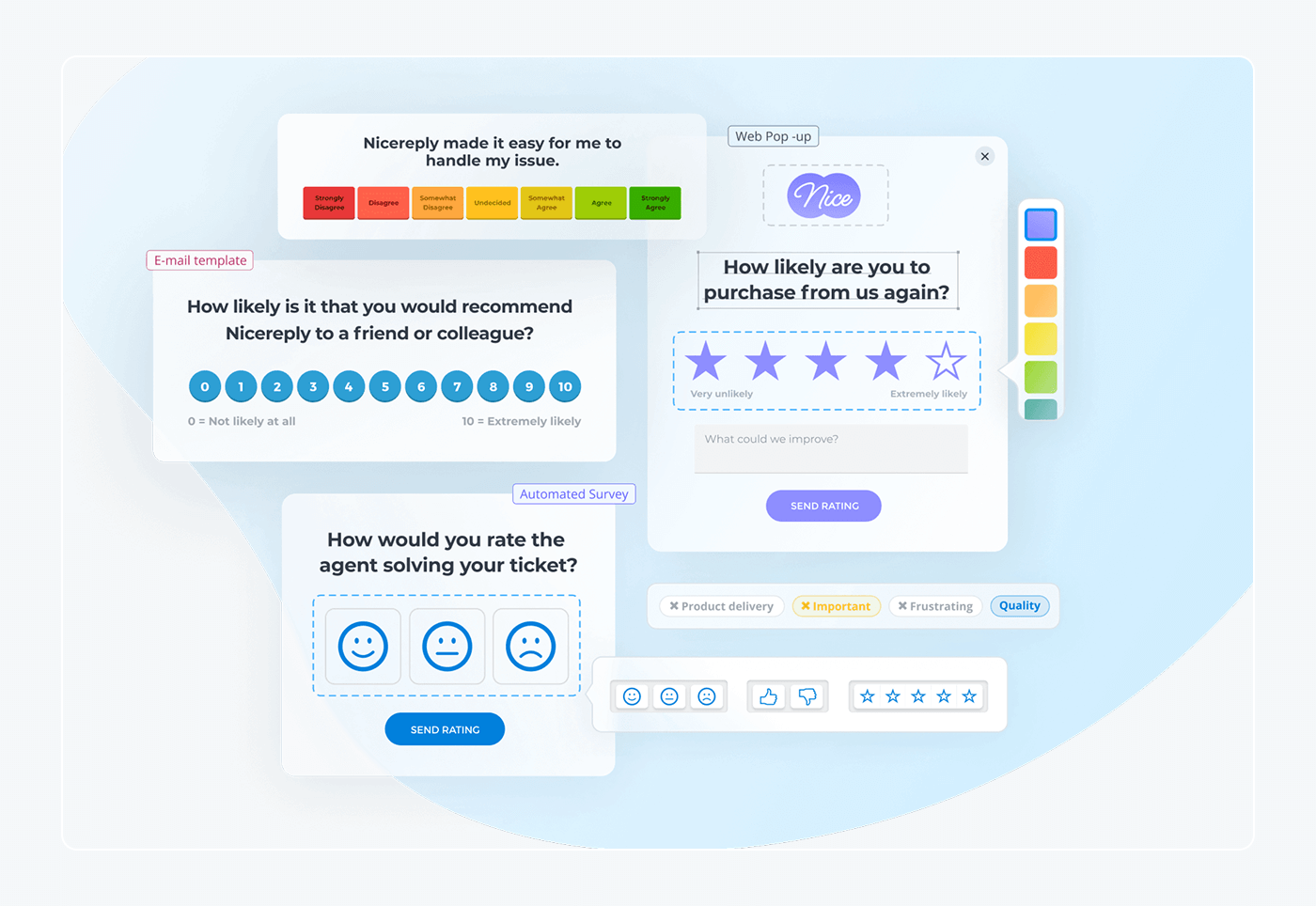
Nicereply is built for support teams. It sends post-resolution and in-signature email surveys, link surveys and website pop-ups, and it connects to Zendesk, Front, Help Scout and Pipedrive. Agents get real-time alerts on new ratings, and managers see reports by team, individual and rating type.
The strength is the agent view. The limit is scope: it measures support interactions and does not replace a general research survey tool.
Key features:
- Three metrics: CSAT, CES and NPS surveys on one platform.
- Survey delivery: post-resolution and in-signature email, link surveys and website pop-ups.
- Custom design: match survey styling to your brand.
- Feedback analytics: reports by agent, team and rating type.
Pros
- Agent-level dashboards for coaching.
- Real-time alerts for low ratings.
- Integrates with major help desks.
Cons
- Response caps per plan: 100 on Starter, 250 on Essential.
- Dashboard setup can feel heavy for new users.
- No free plan.
Pricing: Starter is $59/mo billed annually ($79 monthly) for 100 responses and 3 users. Essential is $119 (250 responses, 10 users), Growth $239 (1,000 responses, 25 users) and Business $359 (2,500 responses, 50 users). A 14-day free trial needs no card.
5. SurveyMonkey
Best for: teams that run customer satisfaction alongside broader research.
Quick facts:
- Pricing: free Basic plan; Advantage from $39 a month billed annually.
- Surveys: CSAT and NPS templates, logic, A/B tests and benchmarks.
- G2: 4.4/5 (24,050 reviews)
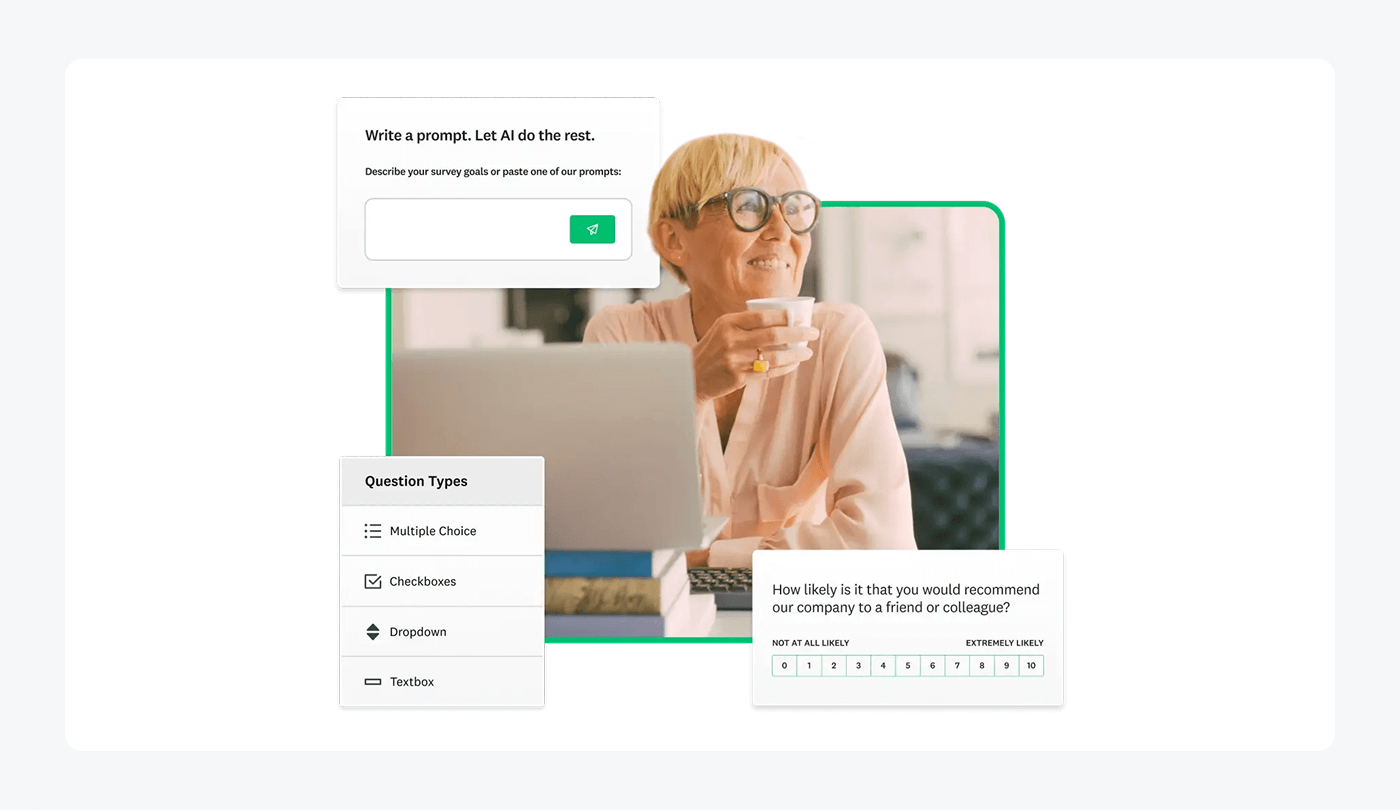
SurveyMonkey is a general survey platform with CSAT and NPS templates, advanced logic, multilingual surveys, A/B tests and benchmarks. Tidio also has a SurveyMonkey integration if you want to link survey data to chats.
It suits companies that run CSAT, product research and employee surveys on one tool. If you only need a post-chat rating, it is more than you need.
Key features:
- Advanced survey logic: branching, piping and custom branding.
- Benchmarks: compare your results to industry data.
- Analysis: filters, cross-tabs and multi-survey dashboards.
- Team libraries: shared templates and assets.
Pros
- Mature analytics and statistical tools.
- Large template library.
- Strong API and integrations.
Cons
- Overbuilt for a quick post-chat rating.
- Responses cannot be edited after submission.
- Paid plans charge $0.15 for each response over the plan limit.
Pricing: free Basic plan with 10 questions per survey and limited responses. Advantage is $39/mo billed annually, Premier is $139/mo billed annually and team plans start at $30/user/mo (three-user minimum). See SurveyMonkey pricing.
6. Qualaroo
Best for: in-context surveys on a website or inside an app.
Quick facts:
- Pricing: free for 50 responses; Essentials from $19.99 a month billed annually.
- Channels: website, in-app and email.
- G2: 4.3/5 (49 reviews)
Qualaroo asks short questions at the right moment on a page or in an app. Its Nudge surveys are targeted by identity, behavior and location, and it tracks NPS, CSAT and CES. It also supports email surveys.
It fits product and UX teams that want feedback from people who are using the site now. It is not a support-ticket tool.
Key features:
- Nudge surveys: pop-ups on web, mobile web and in-app.
- Targeting: by identity, behavior, cookies, custom properties and location.
- Metrics: NPS, CSAT and CES.
- AI sentiment analysis: for open-ended answers.
Pros
- Contextual targeting.
- Free plan.
- Unlimited surveys and domains.
Cons
- No ticket or chat workflow.
- Free plan stops at 50 responses.
- Email sends are capped by plan.
Pricing: free plan with 50 responses. Essentials is $19.99/mo billed annually ($39.99 monthly) with 1,000 email sends and unlimited responses. Business is $49.99/mo billed annually ($99.99 monthly). See Qualaroo pricing. Tidio also connects to it through a Qualaroo integration.
7. SurveySensum
Best for: teams that want a vendor to help run their CX program.
Quick facts:
- Pricing: yearly plans by responses, from $3,600 a year.
- Surveys: text analytics plus the SensAI assistant, with implementation support.
- G2: 4.6/5 (38 reviews)
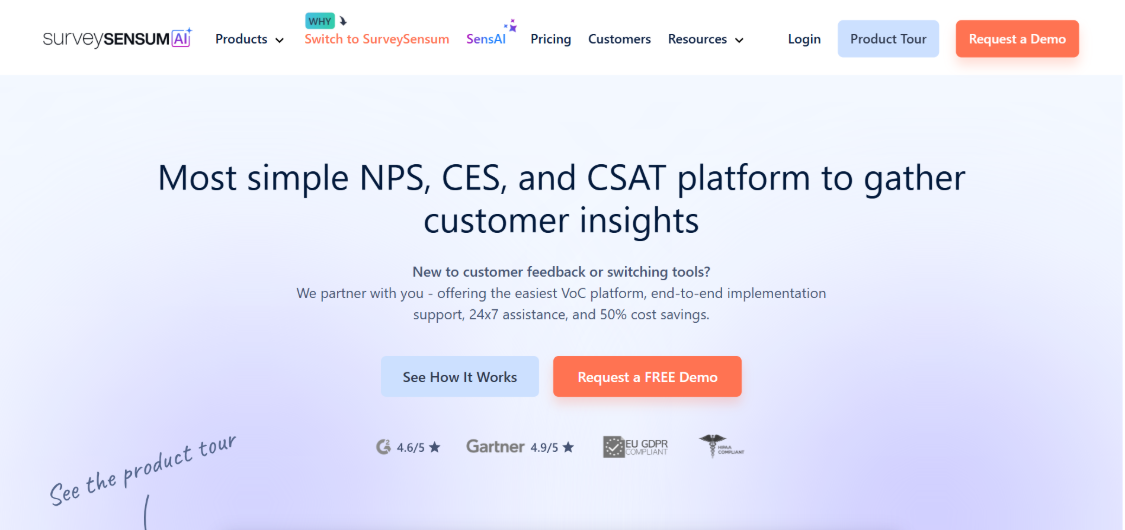
SurveySensum pairs a survey platform with a CX team. Its SensAI assistant answers plain-language questions about your data, and text analytics tags themes and sentiment in open-ended feedback. Implementation support is included until go-live.
It suits teams that have collected feedback but struggle to act on it. The price reflects the service: plans are yearly and start well above the self-serve tools.
Key features:
- SensAI assistant: ask questions such as "why is NPS dropping in this region?"
- Text analytics: automatic tags, themes and sentiment.
- Distribution: email, WhatsApp, in-app, SMS and CRM.
- Closed-loop feedback: assign and track follow-ups.
Pros
- Hands-on onboarding and expert recommendations.
- Unlimited users on every plan.
- Question types for NPS, CES and CSAT.
Cons
- Plans start at $3,600 a year with a response cap.
- Fewer native integrations than larger platforms.
- No forever-free plan.
Pricing: Starter CX is $3,600/year for up to 6,000 responses a year, and Self-Driven CX is $6,000/year for up to 12,000. Every plan starts with a one-month trial that includes 25 free responses.
8. Visme
Best for: branded survey forms for teams that already design in Visme.
Quick facts:
- Pricing: free Basic plan; Starter from $12.25 per person a month billed annually.
- Surveys: animated, branded forms from templates.
- G2: 4.5/5 (511 reviews)
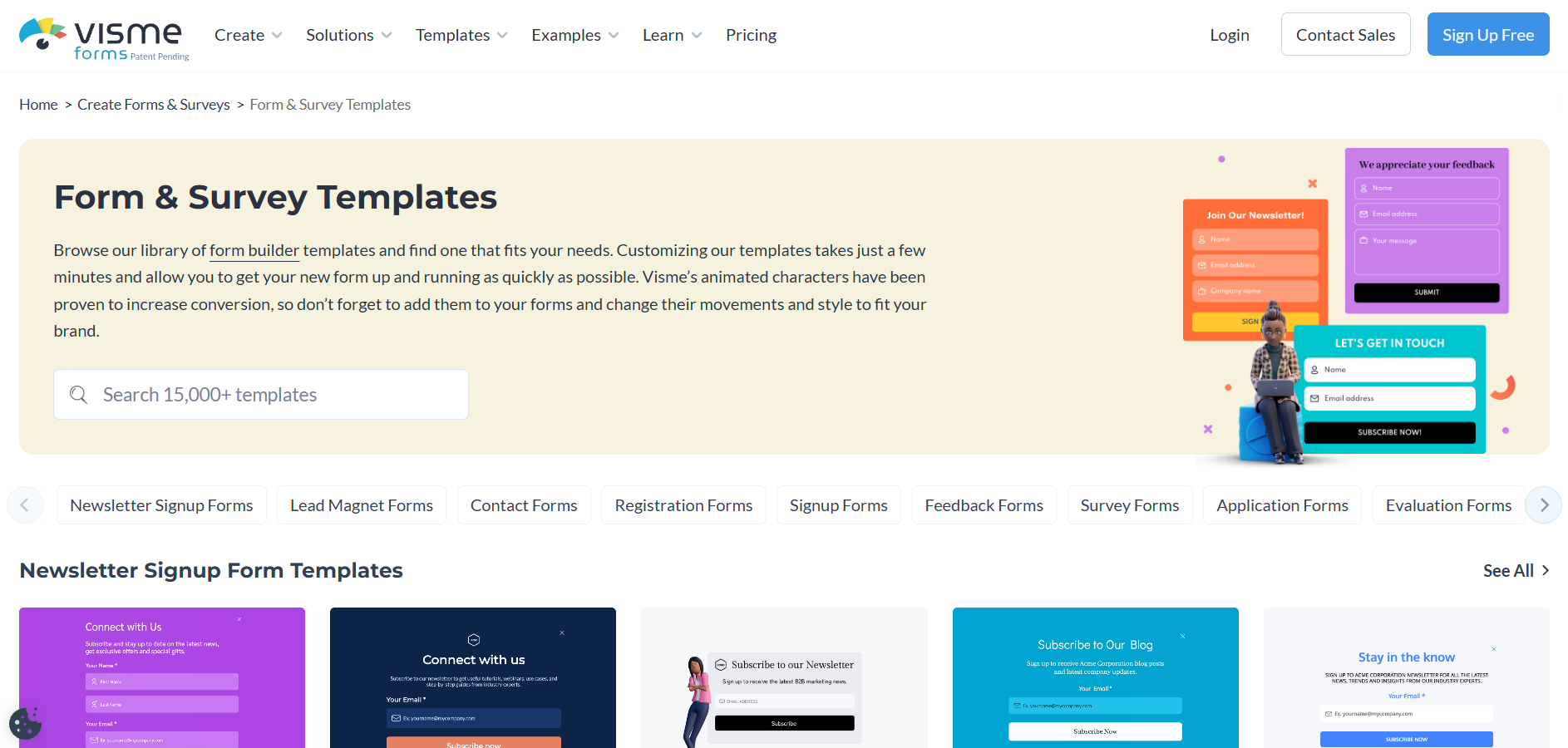
Visme is a design platform with a survey and forms builder. You build animated, branded forms from templates and connect them to Slack, HubSpot, Google Sheets and Notion.
It is the pick when how the survey looks matters as much as the score. It is not a help desk, so the survey is not triggered by a closed ticket.
Key features:
- Template library: survey and form templates you can restyle.
- Integrations: Slack, HubSpot, Google Sheets, Notion.
- Built-in analytics: form performance and response data in the dashboard.
- Design tools: the rest of Visme for reports and visuals.
Pros
- Strong design control.
- Free plan.
- Forms live next to your other visual content.
Cons
- Not built around support workflows.
- The free plan has limited features.
- Pricing is per person.
Pricing: Basic is free. Starter is $12.25/mo per person billed annually, Business is $24.75/mo per person billed annually and Enterprise is custom. See Visme pricing.
9. forms.app
Best for: low-cost survey building with AI help.
Quick facts:
- Pricing: free with unlimited responses; Grow from $15 a month billed annually.
- Channels: pop-ups, sliders, full pages, links and QR codes.
- G2: 4.5/5 (506 reviews)
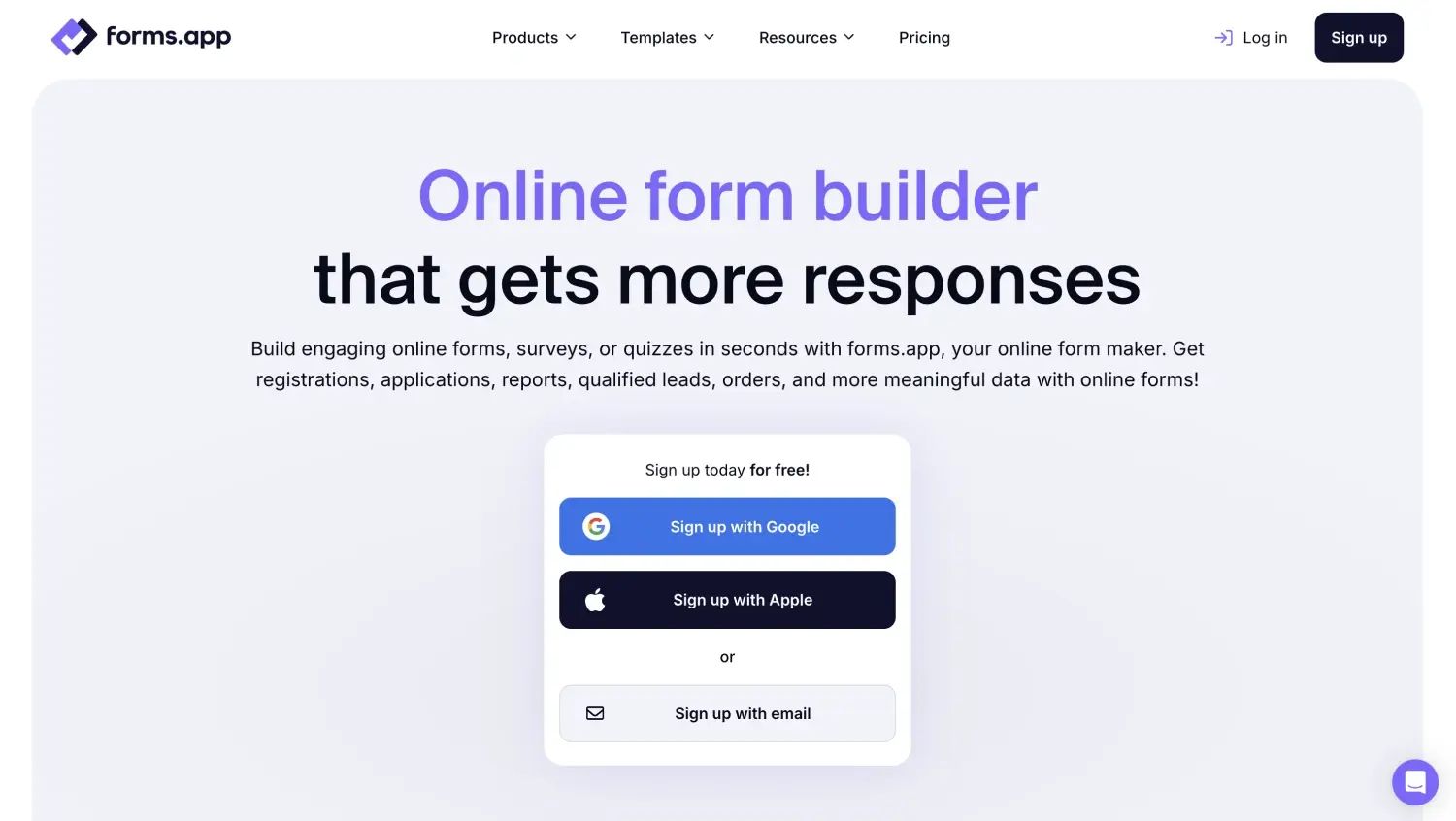
forms.app is an all-in-one form builder. It creates surveys with an AI generator, thousands of templates and drag-and-drop editing, in step-by-step or classic layouts. You can embed surveys as pop-ups, sliders or full pages, or share by link and QR code.
It works when you want a CSAT or NPS form fast and cheap. It is not a support tool, so you send it manually or through an automation.
Key features:
- AI form generator: describe the survey and get a draft.
- Conditional logic: show only relevant questions.
- Multilingual surveys: for international audiences.
- Embed options: pop-ups, sliders, full page, link and QR code.
Pros
- Unlimited responses and team members on the free plan.
- Low paid prices.
- Fast to set up.
Cons
- No offline submissions.
- No mobile SDK for native apps.
- No ticket or chat workflow.
Pricing: Free is $0 with unlimited responses. Grow is $15/mo billed annually ($19 monthly) with 25 forms, and Scale is $24/mo billed annually ($35 monthly) with unlimited forms. See forms.app pricing.
How to choose customer satisfaction software
Run two or three tools on the same flow before you sign anything. These five checks separate tools that look alike on a feature page.
Match the survey to the channels you answer on
List where customers talk to you: chat, email, WhatsApp, in-app. A tool that only surveys by email misses the chat customers. Test by closing a real conversation on each channel and checking that the survey arrives.
Pick the metric before the tool
CSAT measures one interaction, NPS measures loyalty and CES measures effort. Most support teams start with CSAT. Add the others only when you have a reason, such as tracking onboarding friction with CES.
Check where the survey fires
A survey that fires on a closed ticket gives you a score tied to a person and a conversation. A standalone survey link needs a manual step or an automation to do that. Close a test ticket and see how long it takes for the score to show up next to it.
Look for alerts and comment analysis
A score is useful once. A low-score alert and a comment summary are useful every day. Ask for a trial and send ten deliberately bad ratings to see who gets notified.
Compare the pricing model
Per-agent plans (Freshdesk) grow with your team. Per-response plans (Nicereply, Qualaroo) grow with your volume. Yearly contracts (SurveySensum) need a forecast. Price your real team size and monthly volume before you compare.
Which customer satisfaction software should you pick?
- You run support for a Shopify store or a small team: pick a paid Tidio plan such as Growth With Lyro AI, so surveys, chat, tickets and Lyro share one inbox, and see the order context beside every rating. The Shopify integration adds cart preview and order history.
- You handle large ticket volumes and need SLAs: pick Freshdesk, because the survey sits on the ticket.
- You want to coach agents on scores: pick Nicereply for its per-agent reports.
- You run research and CSAT on one tool: pick SurveyMonkey.
- You need WhatsApp, SMS and kiosk surveys with AI comment analysis: pick Zonka Feedback.
- You want feedback from website or app visitors: pick Qualaroo.
- You need a vendor to run the program: pick SurveySensum.
- You need a good-looking form on a budget: pick Visme or forms.app.
Start with Growth and see CSAT next to every conversation
Frequently asked questions
It depends on where the feedback starts. For support teams, Tidio, Freshdesk and Nicereply send the survey when a conversation closes. For research programs, SurveyMonkey and Zonka Feedback go deeper.
Yes. Tidio, SurveyMonkey, Qualaroo, Visme and forms.app have free plans. Tidio's covers 50 conversations a month, with automatic chat and ticket ratings from Growth, SurveyMonkey's Basic plan caps questions at 10 per survey, Qualaroo's stops at 50 responses and forms.app's has unlimited responses.
CSAT asks how satisfied a customer is with one interaction. NPS asks how likely they are to recommend you. CES asks how easy it was to get help. CSAT fits post-chat surveys, NPS fits relationship checks and CES fits process friction.
If you only need a post-chat or post-ticket rating, the built-in survey in your chat or help desk tool is enough. Add a dedicated tool when you need NPS or CES programs, branching questions or website and in-app targeting.
They show a short question inside your product or on your website at a chosen moment, such as after a feature is used. Qualaroo is built for this, and Zonka Feedback also supports in-app and web surveys.
From $0 to a few thousand dollars a year. Tidio and forms.app start with free plans. Freshdesk starts at $19 per agent per month, Nicereply at $59 per month and SurveySensum at $3,600 per year.
Use live chat to support your customers in real-time